1
監錄易(監控錄影設備專門店) http://www.cam62.com
User manual
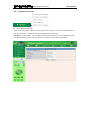
2.2 Camera Login
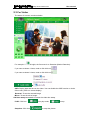
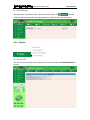
You can access the camera through IP Camera Tool or IE directly.
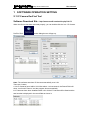
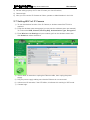
1) Double click the IP address of the IP Camera listed.
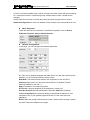
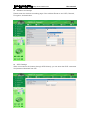
2) To access the camera ,start your web browser and type in the camera’s IP
address
Such as http://192.168.1.100:100
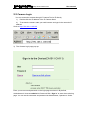
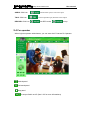
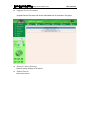
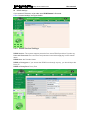
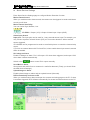
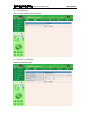
3) The Camera Login page pop-up.
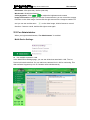
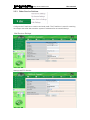
Enter your account and password on the login page as shown in By default,
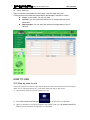
Administrator’s Username:admin No Password Click “Sign in” to enter the monitoring
page. You can set the username and password as Administrator, Operator or Visitor.

![- [ [ [ ANSEL ] ] ]](http://vs1.manualzilla.com/store/data/005876018_1-a636cab6934c7a831e92a71c6eb2f063-150x150.png)