1
Conversion Process
Previewing Fonts
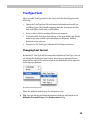
After you have added fonts to the source list you can preview the source
fonts and how they will be converted in a different encoding.
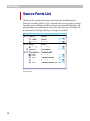
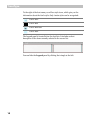
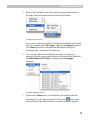
There is a blue triangle to the left of each suitcase icon. Click on this
triangle to see the contents of the suitcase. Holding down the Option key
while you click will show the contents of all the suitcases in the list.
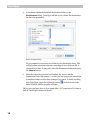
To have a look at the particular font character set, double-click the
font icon (not the suitcase icon) in the Source or Destination list. The font
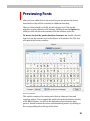
will open in the Preview window:
Font Preview Window
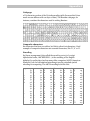
This window consists of two main parts: the font character chart and
codepage options. If you opened this window from the Destination font list
of the Main Window, you will see the destination font character chart
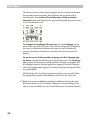
preview. Switch between the source and destination preview by clicking on
the corresponding tabs at the top of the chart.
21