1
MICROCOR® TOOLS SOFTWARE VERSION 4.4.5
Retrieving and Plotting Data
(History Viewer)
47
CHAPTER 5
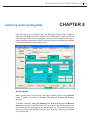
Microcor Tools allows retrieving and plotting of corrosion data. Microcor Tools
– History Viewer can be used to view data collected Online or by Data Logger
connection methods.
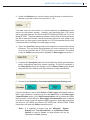
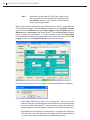
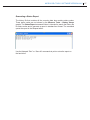
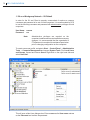
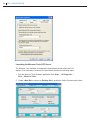
To open the Microcor Tools – History Viewer (graph feature), select the site from
the Site/Communications tab, select the Address from the Config/DL Transfer
tab, and click the Show Data command button. Alternate method to enter the
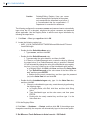
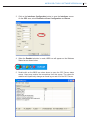
History Viewer is to navigate to the Data Display tab and double-clicking the Tag
of the desired unit.
Microcor Transmitters (MT 9485, MT 9485A)
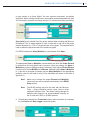
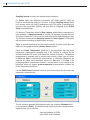
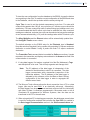
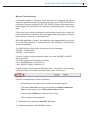
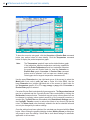
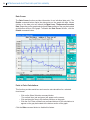
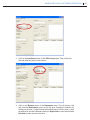
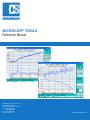
In the above screen, the top graph is the Metal Loss and the bottom graph
presents the probe Temperature (when applicable). The bottom graph can be
switched to show the Corrosion or Erosion Rate for the same set of data when
the Corrosion or Erosion Rate button is selected.