1
Income Tax Department
Data Collection Portal User Manual - DDO v1.0
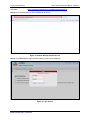
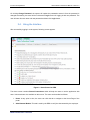
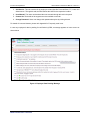
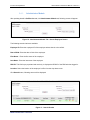
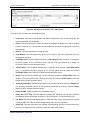
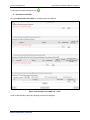
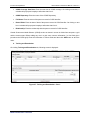
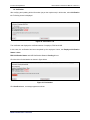
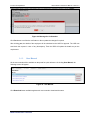
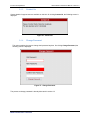
Figure 6: Change Password Screen
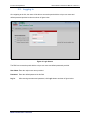
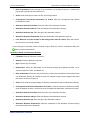
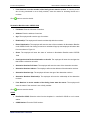
Here, the users will have to enter their old and new passwords. However, the new password will have to
be confirmed once in Confirm Password field. In order to ensure portal security, new password will have
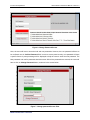
a specific format. A prompt message will be displayed to help the users to enter the new password. The
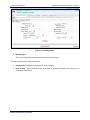
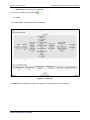
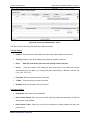
New password and confirm password should be same. After all the passwords are entered, the users will
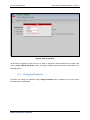
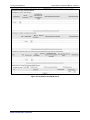
have to click on Change Password button, as shown in the screen below:
Figure 7: Change password Screen filled
ITD-TCS Confidential
6