1
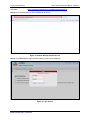
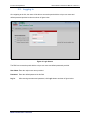
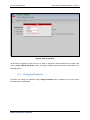
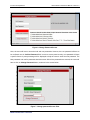
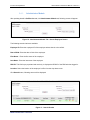
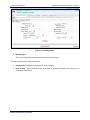
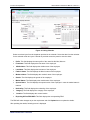
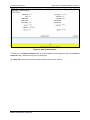
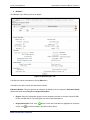
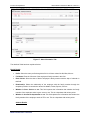
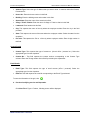
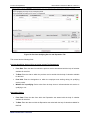
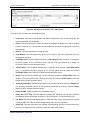
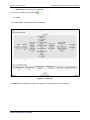
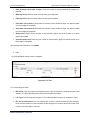
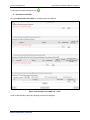
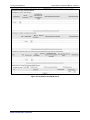
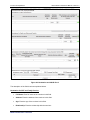
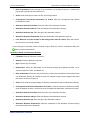
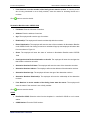
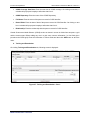
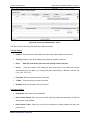
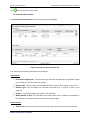
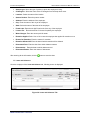
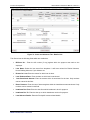
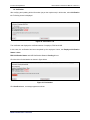
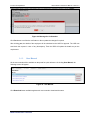
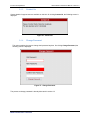
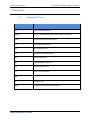
Income Tax Department Data Collection Portal User Manual - DDO v1.0 Figure 14: Using Calendar Select month and year from the dropdown provided in the calendar. Select the date from the calendar for the selected month and year. Calendar is provided across the portal to enter the dates. Prefix: This field displays the name prefix of the users like Mr, Mrs, Miss etc. First Name: This field displays the first name of the employee. Middle Name: This field displays the middle name of the employee. Last Name: This field displays the last name of the employee. Father's Name: The field displays the father's name of the employee. Mother’s Name: The field displays the mother’s name of the employee. Gender: The field displays the gender of the employee. Marital Status: The field displays the marital status of the employee. Spouse Name: The field displays the spouse name of the employee in case the marital status is married. Nationality: This field displays the nationality of the employee. Category: The field displays the category of the employee. Location: The field displays the current location Reporting Officer/DDO/HOD: This field displays the corresponding DDO. The DDO will make changes as per the requirement and click Update button to update the details. After updating the details, following screen is displayed ITD-TCS Confidential 12