1
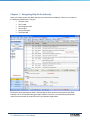
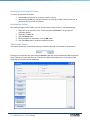
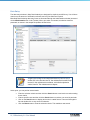
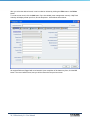
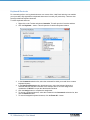
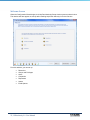
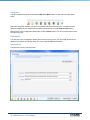
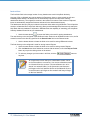
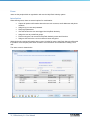
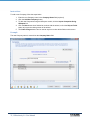
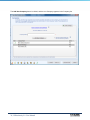
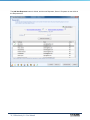
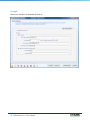
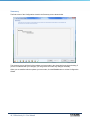
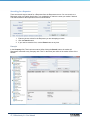
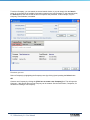
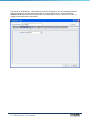
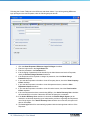
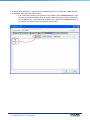
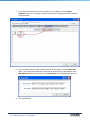
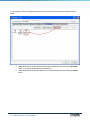
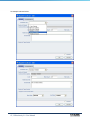
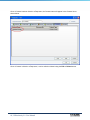
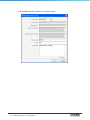
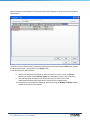
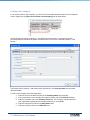
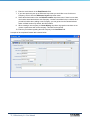
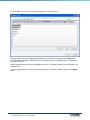
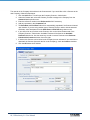
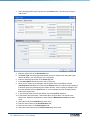
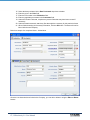
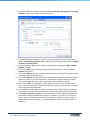
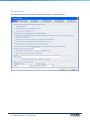
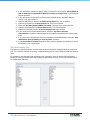
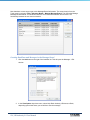
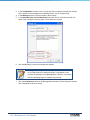
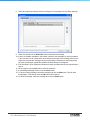
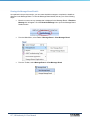
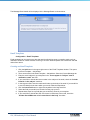
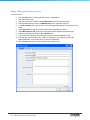
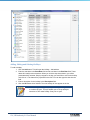
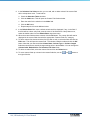
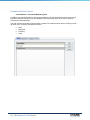
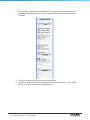
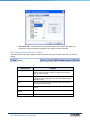
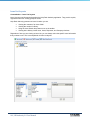
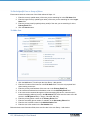
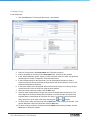
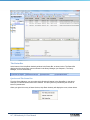
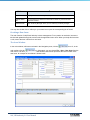
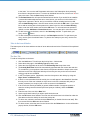
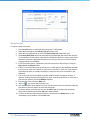
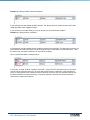
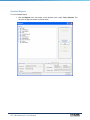
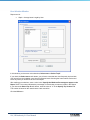
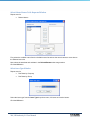
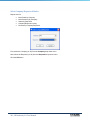
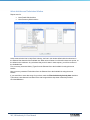
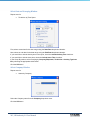
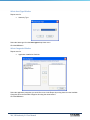
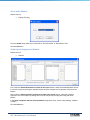
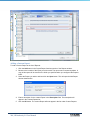
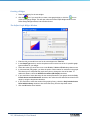
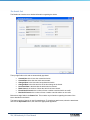
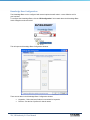
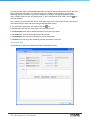
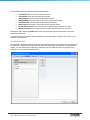
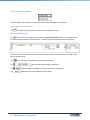
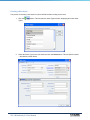
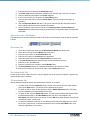
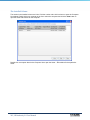
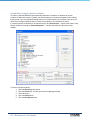
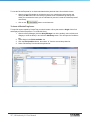
From this view, the current Query can be edited to suit your needs. The controls are very similar to the
Query window controls.
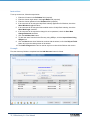
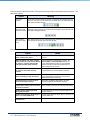
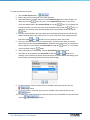
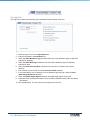
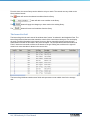
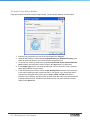
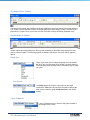
The
button will remove the selected conditions from the Query.
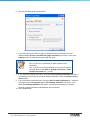
The
button will add a new condition to the Query.
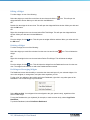
The
button will apply the changes you have made to the existing Query.
The
button will remove all conditions from the Query.
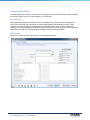
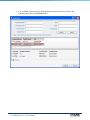
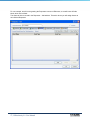
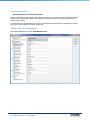
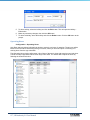
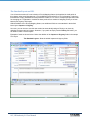
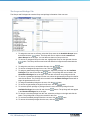
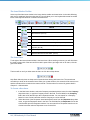
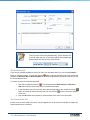
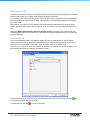
The Issues List Grid
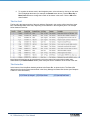
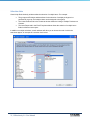
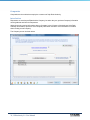
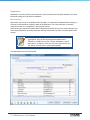
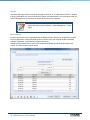
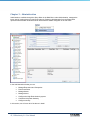
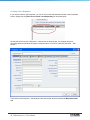
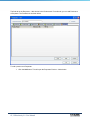
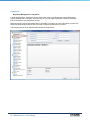
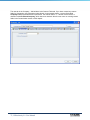
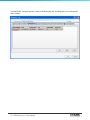
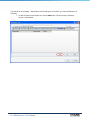
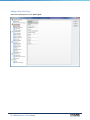
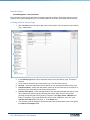
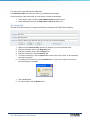
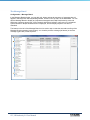
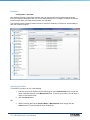
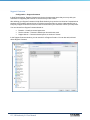
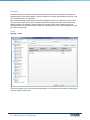
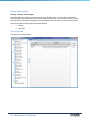
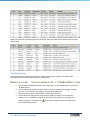
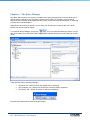
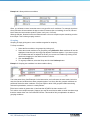
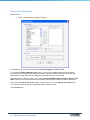
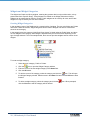
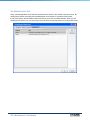
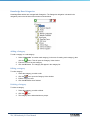
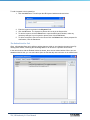
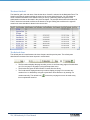
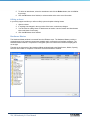
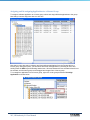
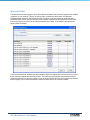
The Issues list grid is the main area of the window when ―Issues‖ is selected in the Navigation Pane. The
Issues list grid lists all the Issues that match the criteria of the current Issue list layout. You can display
as much or as little information in the Issues List as you like by customizing Issue list layouts in the
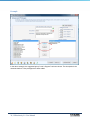
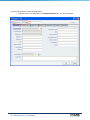
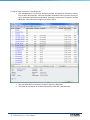
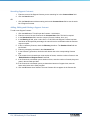
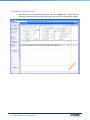
Administration window as discussed in the previous chapter. The example below shows the default ―All
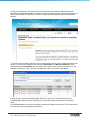
Fields‖. Notice the horizontal scroll bar at the bottom of the grid. Sliding the scroll bar to the right will
reveal much more data than is shown in the current view.
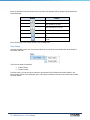
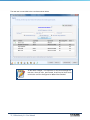
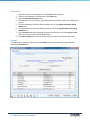
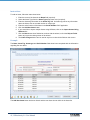
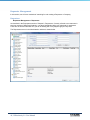
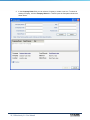
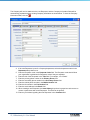
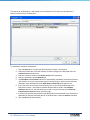
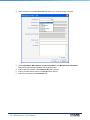
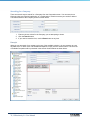
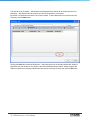
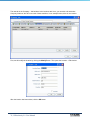
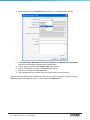
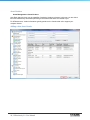
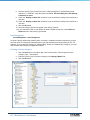
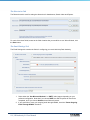
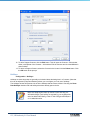
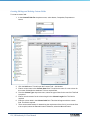
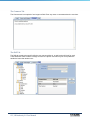
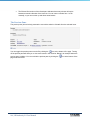
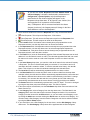
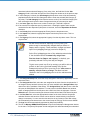
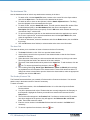
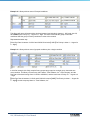
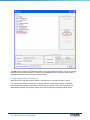
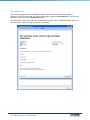
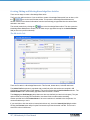
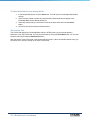
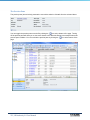
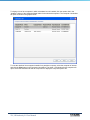
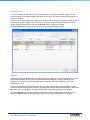
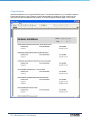
The Issues list grid below contains seven fields and represents a more realistic view for the average
user.
164 | HDAuthority 9.0 User Manual