1
Remote
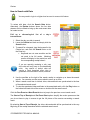
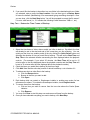
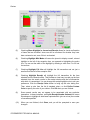
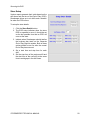
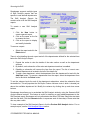
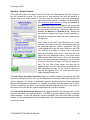
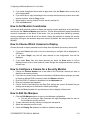
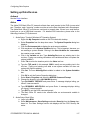
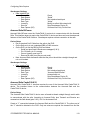
4. To connect to a remote site, highlight the site in the Site List and click the Connect
button.
5. To disconnect from a site, highlight it under the Current Connections List and click the
Disconnect button.
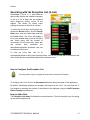
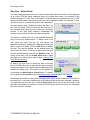
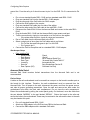
Storekeeper supports a searchable Site List, enabling administrators to quickly and easily find a
site or group that matches a specified search string. To search for a site, type the search criteria
into the Search box, and hit the Enter key or click the Search button. All matching sites will be
displayed.
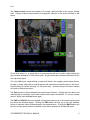
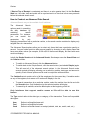
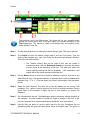
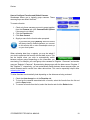
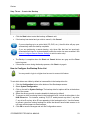
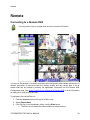
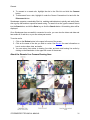
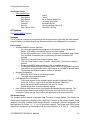
Once Storekeeper has successfully connected to a site, you can view the video and data and
hear audio all in real time, or you can review past events.
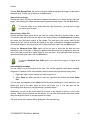
To review a site:
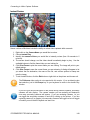
1. Click on the Review button in the upper left corner of the screen.
2. Click on the name of the site you wish to review. See Review for more information on
how to review video, data, and audio.
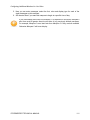
3. You can return from review to viewing live video and data and hearing live audio by
clicking on the Live button in the upper left corner of the screen.
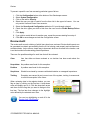
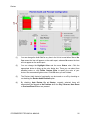
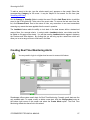
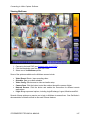
About the Remote Live Camera Viewing Area
STOREKEEPER TECHNICAL MANUAL
31