1
CPD User Manual V2.0
2.3. Logging out
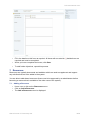
For security reasons it is important that you log out when you have finished using the CPD.
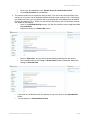
• When logged in, on each screen you will see your name displayed, alongside a link with
the text Logout.
Note: Your CDP session will end automatically if you do not use the system for 60
minutes.
2.4. Changing your Password
For security reasons, we recommend that you change your password after entering the online
system for the first time.
• When creating a new password remember that passwords are case-sensitive.
You should type in the password in the exact format you require, if necessary using
upper and lower case letters where appropriate. It is suggested that you use a password
that has both letters and numbers.
Make sure your password is something that is memorable to you
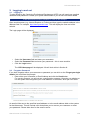
To change your password:
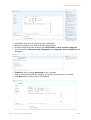
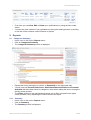
• Click My Details at the top-right of the page.
• Click Login Details.
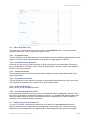
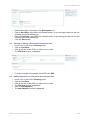
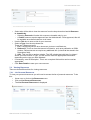
• The Change Your Login Details page is displayed.
•
•
•
•
•
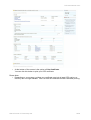
Enter your Current Password.
Enter your New Password.
Confirm your new password by entering it a second time in the final field.
Click Save.
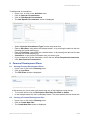
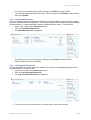
A confirmation message will be displayed.
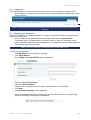
•
When your password has been changed you will be redirected to the my details page
where the following message will be displayed:
•
©2010 Premier IT Partnership Ltd.
5/23