1
How does it work?
1
Pro Tools
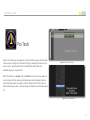
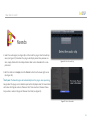
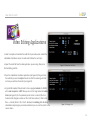
a. Select the audio region (see Figure 20 ) and then load the plug-in from the Audio
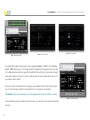
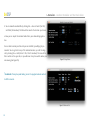
Suite top menu (see Figure 21). Sometimes the plug-in will display values from previews sessions, simply double-click the Analyze-Render slider under the LNormalizer logo for a complete reset.
Figure 20: Select the audio clip
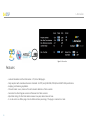
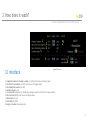
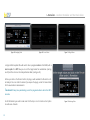
b. With the slider set on Analyze, click the Render button from the lower right corner (see Figure 22). After rendering, a detailed report will be displayed under the
Source label with values for Program Loudness, Maximum Short Therm Loudness,
Maximum Momentary Loudness, Loudness Range and Maximum True Peak (see Figure
23).
Figure 21: Select L-Normalizer
21