1
openFT commands
5.16
ftmoda
ftmoda - Modify admission sets
ftmoda stands for "modify admission set".
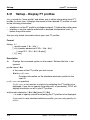
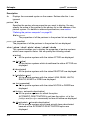
When ftmoda is issued by an FTAC user, it modifies one or more of the settings
for basic functions in that user’s admission set (MAX. USER LEVELS).
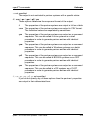
You can assign a security level of between 0 and 100 for each basic function.
These values have the following meanings:
0
The basic function is locked, i.e. it is not released for any partner
system.
1 to 99
The basic function is only released for partner systems with the
same or a lower security level. You can use the ftshwptn command
to display the security level of a partner system.
100
The basic function is available for all partner functions.
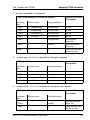
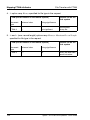
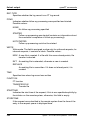
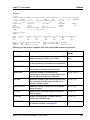
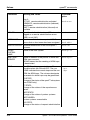
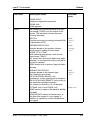
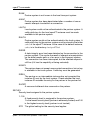
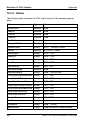
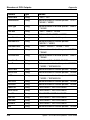
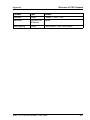
For basic functions, consult the table on page 219.
i
The meaning of the numbers in the admission set has been changed in
openFT V10.0. Now, all integers between 0 and 100 are analyzed and
are compared with the partner system security levels to determine
whether they are smaller than or equal to these values.
Format
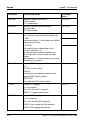
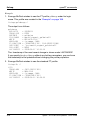
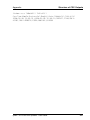
ftmoda -h |
[ <user ID 1..32> | @s ]
[ -priv=y ]
[ -admpriv=y ]
[ -ml=s | -ml=0..100 ]
[ -os=s | -os=0..100 ]
[ -or=s | -or=0..100 ]
[ -is=s | -is=0..100 ]
[ -ir=s | -ir=0..100 ]
[ -ip=s | -ip=0..100 ]
[ -if=s | -if=0..100 ]
openFT V11.0 for Unix Systems - User Guide
217