1
openFT commands
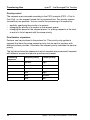
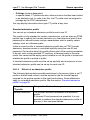
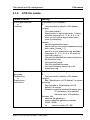
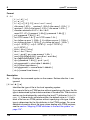
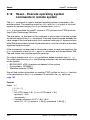
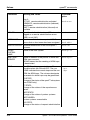
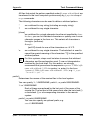
ftmodp
file name prefix can be up to 511 characters in length.
-fn= allows you to cancel a file name prefix entry, see above.
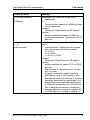
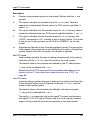
Special cases
●
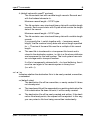
You must specify a file name or file name prefix which starts with the
string "|ftexecsvË" for FTAC profiles which are to be used exclusively
for the ftexec command. If a command prefix is also to be defined, you
must specify it as follows:
-fnp="|ftexecsvË-p=command prefix"
(e.g.: -fnp="|ftexecsvË-p=\"ftshwrË\"")
The same restrictions apply to the command string of the ftexec call
as to the filename prefix during preprocessing and postprocessing.
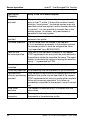
●
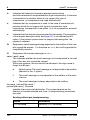
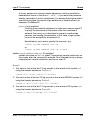
For FTAC profiles that are only to be used for getting monitoring data,
specify the filename prefix
"|*FTMONITOR ". The functions of the profile must permit File
Preprocessing (-ff=tp). For details, see the ftcrep command, Example
3 on page 189.
-fnp not specified
leaves the file name prefix entries in the FT profile unchanged.
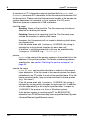
-ls= | -ls=@n | -ls=command1
specifies follow-up processing which is to be performed under your login
name in the event that file transfer is successful. If -ls is specified, no
success follow-up processing may be requested in the FT request.
Specifying -ls only makes sense if you also make an entry for -lf (see
below) to preclude the possibility that an intentionally unsuccessful
request can circumvent the -ls entry. If you have defined a prefix for the
file name with -fnp and plan follow-up processing for this file, you must
specify the complete file name here.
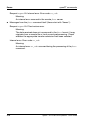
@n for command1
If you enter -ls=@n, no follow-up processing is then permitted in
the FT profile in the event that file transfer is successful.
command1 not specified
-ls= allows you to cancel a follow-up-processing entry. The FT
profile then no longer restricts success follow-up processing in the
local system. This is also a way to cancel a prefix for the follow-up
processing defined with -lsp.
openFT V11.0 for Unix Systems - User Guide
243