1
Contents
CHAPTER 1.
Introduction ...................................................................................................................... 4
Features ...................................................................................................................................................... 4
Supported Mobile Devices ......................................................................................................................... 4
Electronic Signature Capture ..................................................................................................................... 4
CHAPTER 2.
Getting Started ................................................................................................................. 5
Downloading VirtualMerchant Mobile from Apps Stores ......................................................................... 5
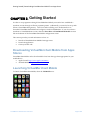
Launching VirtualMerchant Mobile........................................................................................................... 5
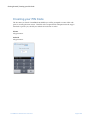
Creating your PIN Code ............................................................................................................................. 6
CHAPTER 3.
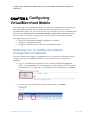
Configuring VirtualMerchant Mobile .............................................................................. 7
Obtaining Your VirtualMerchant Mobile Configuration Credentials ........................................................ 7
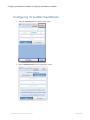
Configuring VirtualMerchant Mobile ........................................................................................................ 9
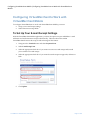
Configuring VirtualMerchant to Work with VirtualMerchant Mobile......................................................12
To Set Up Your E-mail Receipt Settings ..............................................................................................12
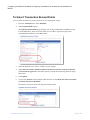
To Select Transaction Receipt Fields ...................................................................................................13
CHAPTER 4.
Processing Transactions using VirtualMerchant Mobile ................................................14
Connecting the iDynamo Card Reader - Apple Devices ...........................................................................14
Connecting the uDynamo Card Reader – Apple and Android Devices ....................................................15
Connecting the BulleT Card Reader - Android Devices ...........................................................................16
Processing Swiped Transactions ...............................................................................................................17
Processing Keyed Transactions.................................................................................................................21
CHAPTER 5.
Managing Transactions ...................................................................................................25
Voiding Transactions ................................................................................................................................25
Refunding Transactions ............................................................................................................................25
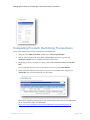
Completing Pre-Auth (Auth Only) Transactions ......................................................................................26
CHAPTER 6.
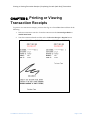
Printing or Viewing Transaction Receipts ......................................................................27
CHAPTER 7.
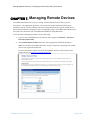
Managing Remote Devices .............................................................................................28
VirtualMerchant Mobile User Guide.docx
Page 3 of 28