1
User setup
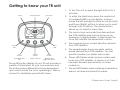
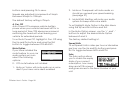
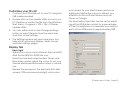
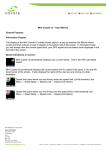
1. To turn the unit on press the right button for 2
seconds.
Main Menu
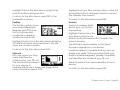
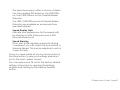
2. To enter the Main Menu
press the centre button
marked MENU on the
display. In Menu mode
the left and right buttons
act as Up (Left) and Down (Right) buttons to
allow you to scroll through a list of options. The
centre button allows you to select or change a
menu item.
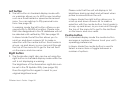
Trip Stats Menu
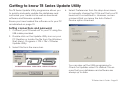
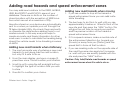
3. Highlight the “Trip Stats” option and press the
centre button (Slct) to
view your journey details,
including trip time,
distance travelled and
average speed. You can
reset your Trip Stats by
selecting the Reset option.
To exit the Trip Menu highlight the Exit option
and press Slct.
Alert Menu
4. Highlight the “Alerts” option using the Up and
Dn buttons and press Slct.
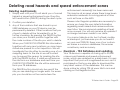
Proximity
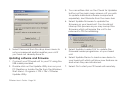
The Proximity option
allows you define
whether you want your TR
unit to give you
advanced notice of road
hazards or speed enforcement zones by a set
time or a set distance. You can toggle between Time or Distance by highlighting the
Proximity option using the Up and Dn buttons
and pressing Slct.
Distance
If you have set the Proximity setting to Distance
you can define how far,
in metres, from the road
hazard or speed enforcement zones you wish to be alerted by your TR
unit. This should be set to a distance that will
allow you, if necessary, to alter your driving
safely given the road conditions.
TR Series User’s Guide - Page 23