1
Auto Diagnostic tools http://www.autotool-mall.com
4.7 Vehicle info
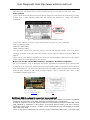
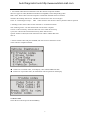
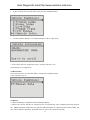
1. Select “Vehicle info” from the main menu,press the “ENTER” button.
2. Use the SCROLL button to view additional digits of the 17-digit string..
3. If the vehicle does not support this mode, a message will show " the
selected mode is not supported!"
4.8 Rescan Data
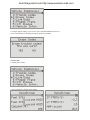
Select "Rescan Data" from the main Menu, and press the "ENTER" button.
U381 will Retest you car
4.9 Battery
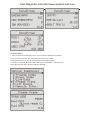
1. Open the battery compartment and install the battery.
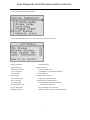
2. When U381 connect with the car, the batter power on automatically, after completing the testing, pull out
the OBDII connector cable from your car, the U381 still power on, U381 keep the trouble codes. You
can read it anytime anywhere. Press Enter key to turn it off ( press 6 seconds)
10