1
-261
Entering
Payments
in
ProSchool
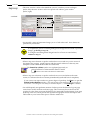
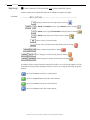
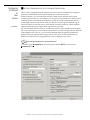
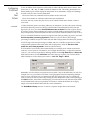
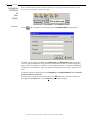
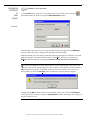
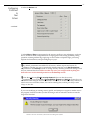
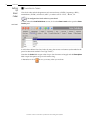
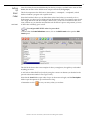
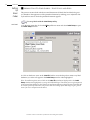
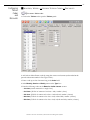
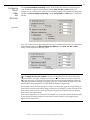
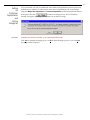
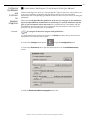
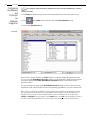
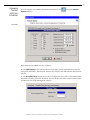
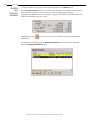
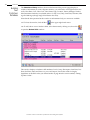
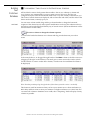
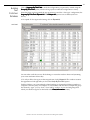
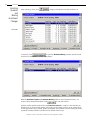
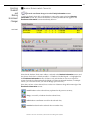
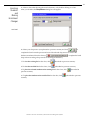
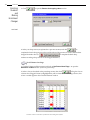
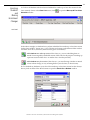
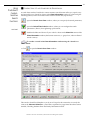
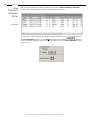
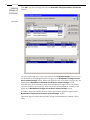
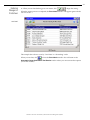
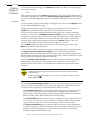
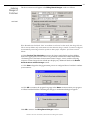
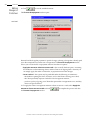
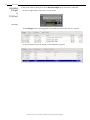
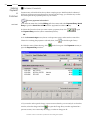
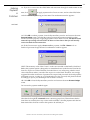
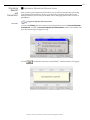
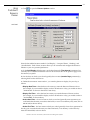
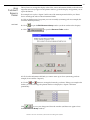
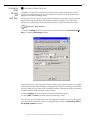
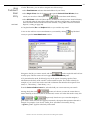
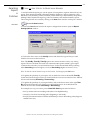
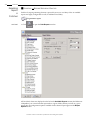
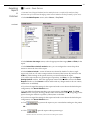
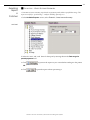
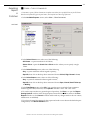
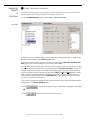
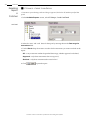
Next time the Payment Entry window is opened, the remaining credit for this Client ($100$78=$22) will be displayed at the top:
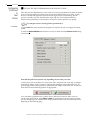
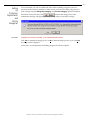
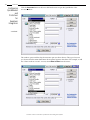
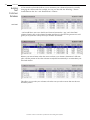
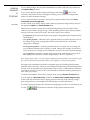
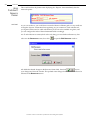
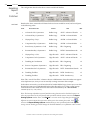
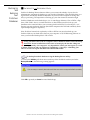
-continued14a. If the available account credit is less than the total payment amount the Client wants to
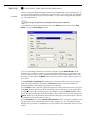
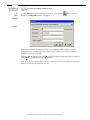
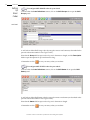
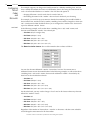
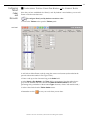
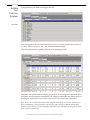
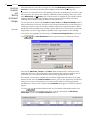
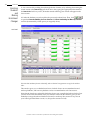
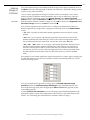
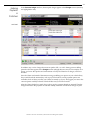
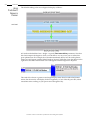
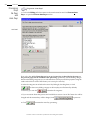
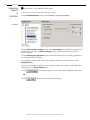
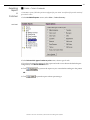
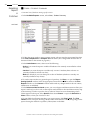
make, you would accomplish this with two payments. The first payment would be in the
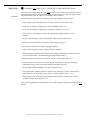
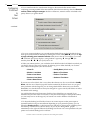
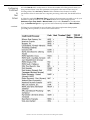
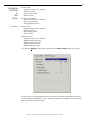
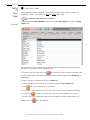
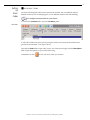
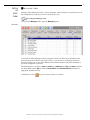
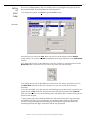
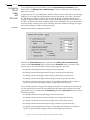
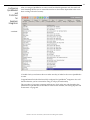
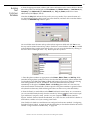
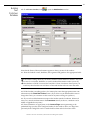
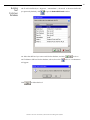
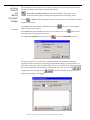
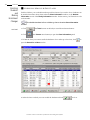
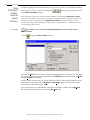
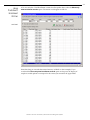
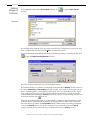
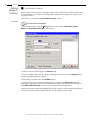
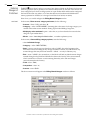
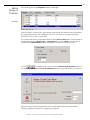
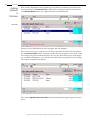
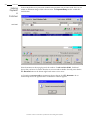
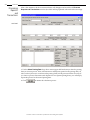
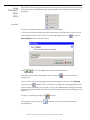
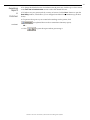
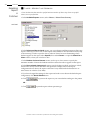
amount of the credit ($100) and would appear as follows in the Payment Entry window:
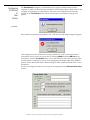
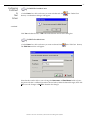
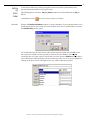
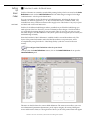
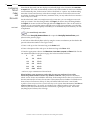
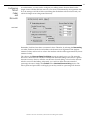
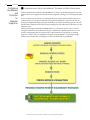
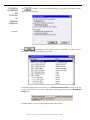
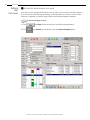
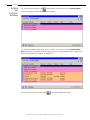
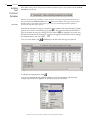
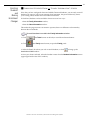
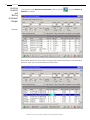
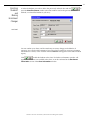
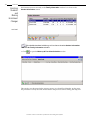
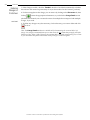
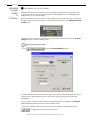
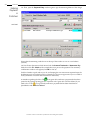
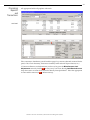
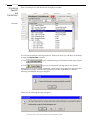
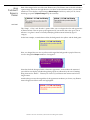
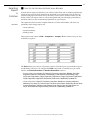
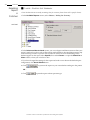
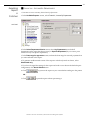
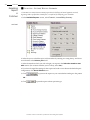
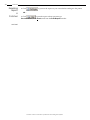
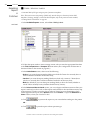
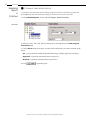
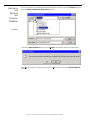
14b. After entering $100.00 in both the Amount Tendered and Amount to Pay fields, click
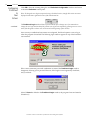
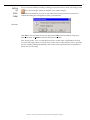
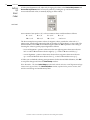
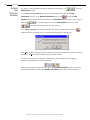
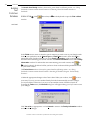
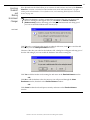
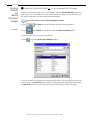
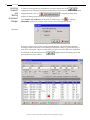
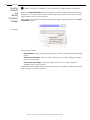
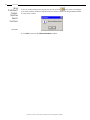
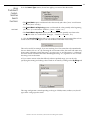
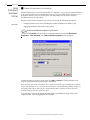
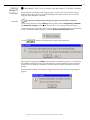
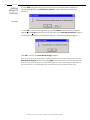
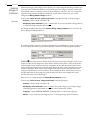
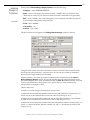
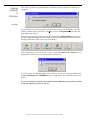
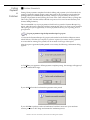
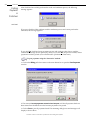
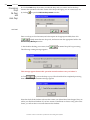
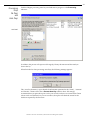
F7 - Account to process the payment. The customary confirmation window will appear (click
OK to close it).
ProSchool –The Next Generation of School and Class Management Software