1
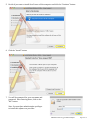
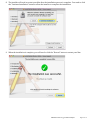
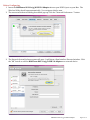
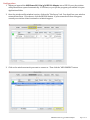
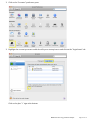
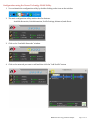
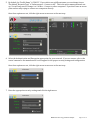
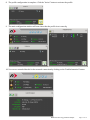
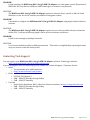
8. The profile configuration is complete. Click the “Active” button to activate the profile. 9. The main configuration window will now show that the profile is set correctly 10. You can see extended details for the network connection by clicking on the “Link Information” button. MAXPower 802.11n/g/b USB 2.0 Adapter Page 17 of 19