1
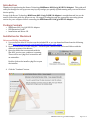
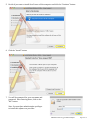
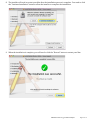
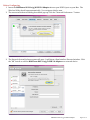
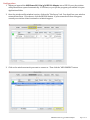
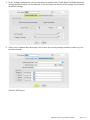
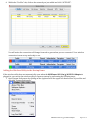
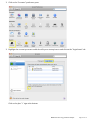
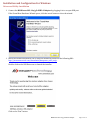
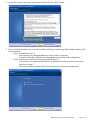
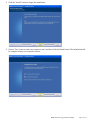
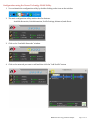
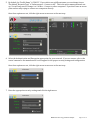
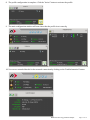
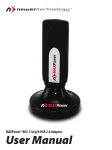
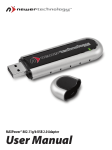
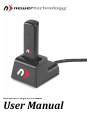
Introduction Thank you for purchasing the Newer Technology MAXPower 802.11n/g/b USB 2.0 Adapter! This guide will walk you through the set-‐up process step-‐by-‐step and get you quickly up and running with your new wireless device quickly. Set-‐up of the Newer Technology MAXPower 802.11n/g/b USB 2.0 Adapter is straightforward, but you do need to follow this guide for proper set-‐up. We suggest reading through the appropriate operating system section for your computer before connecting the MAXPower 802.11n/g/b USB 2.0 Adapter. Package Contents • • • MAXPower 802.11n/g/b USB 2.0 Adapter USB Extension Cradle Installation and Driver CD Installation for Macintosh Driver and Utility Installation 1. You can find the Mac OS X drivers on the included CD or you can download them from the following URL: http://www.newertech.com/downloads/maxpower_usb2_n.dmg 2. Double-‐click on the CD or the .dmg file. This will open a window that will reveal folders with the different versions of the drivers. 3. Open the folder that corresponds with the Mac OS X version your computer is running. There will be two .pkg files: an installer and an uninstaller. Double-‐click on the installer .pkg file to open the installer. 4. Click the “Continue” button. MAXPower 802.11n/g/b USB 2.0 Adapter Page 3 of 19