1
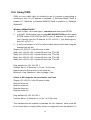
Also, enter the password; otherwise the “Password”field does not need to
be filled in.
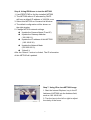
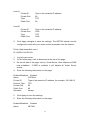
6. Check the “Send mail when motion detected” check box to enable the
operation. If the check box is not checked, the motion detected send mail
function will not be enabled.
7. Confirm by selecting [Send Setting] option to save the settings.
Note:
If all of the items are enabled resulting in a motion event detection, the
NET200 will send the motion-detected images to the preset email address.
The maximum number of images allowed is 6 images per mail.
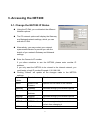
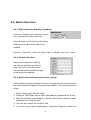
6-4-4. Motion detected mail
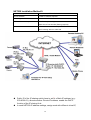
The received mail will be displayed
in a motion picture form. It can also
be displayed as separated images
with a selection of the circle button
on the left side of the Image Viewer.
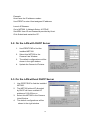
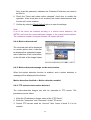
6-4-5. Motion detected message on the main window.
When the motion detection function is enabled, and a motion detected, a
message will be displayed at the bottom.
Motion detection disabled or Motion detection enabled
6-4-6. FTP uploads when motion detected.
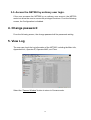
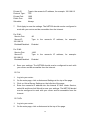
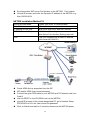
The motion-detected images can also be uploaded to FTP server. The
procedures are as follow:
1. Enter the IP address or domain name of the “FTP Server”.
2. Enter the “Username”and “Password”of the FTP server.
3. Certain FTP servers need an “Account” field. Leave it blank if it is not
needed.
20