1
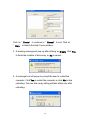
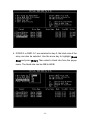
Continue to boot will enable duplicating the array after booting into
OS.
Rebuild Broken RAID 1/0+1 Array
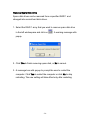
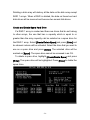
When booting up the system, BIOS will detect if any member disk
drives of RAID has failed or is absent. If BIOS detects any disk drive
failures or missing disk drives, the status of the array will be marked
as broken.
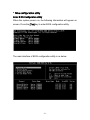
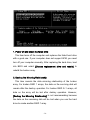
If BIOS detects a broken RAID 1 array but there is a spare hard
drive available for rebuilding the broken array, the spare hard drive
will automatically become the mirroring drive. BIOS will show a main
interface just like a duplicated RAID 1 main interface. [Continue to
boot] enables the user to duplicate the array after booting into
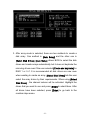
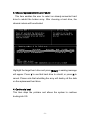
operating system. If BIOS detects a broken RAID 1 or 0+1 array but
there is no spare hard drive available for rebuilding the array, BIOS
will provide several operations to solve such problem.
- 29 -