1
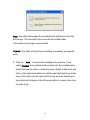
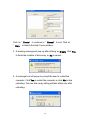
Auto: The utility will arrange the available hard disk drives to be the
disk arrays. The hard disk drives can still be modified later.
This method is strongly recommended.
Custom: The utility will provide an interface to manually arrange the
array.
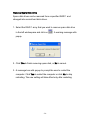
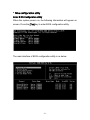
2. Click on “ Auto” to launch the creating array window. If you
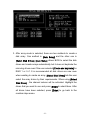
select Custom, the available disks window lists the available disk
drives that can be used to create the array. Select a disk drive and
click on the right arrow button to add the specified disk drive to the
array. Disk drives can be removed from the array by selecting an
array disk and clicking on the left arrow button to remove the drive
from the array.
- 15 -