1
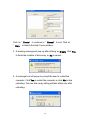
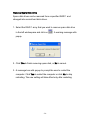
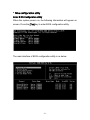
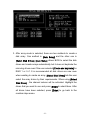
System Requirements z Available PCI slot z Serial-ATA or ATA driver z Serial-ATA or ATA cables z Driver support Windows 98SE / ME / 2000 / XP / 2003 Driver Installation Windows 2000/XP/2003 Fresh Installation Follow the instructions in this section if you are performing a new installation of Windows 2000/XP/2003 and you wish to boot from a device attached to the SATA PCI Card. 1. Power off the system. Insert the SATA host card into an available PCI slot. Connect Serial ATA cable(s) between the SATA host card and the Serial ATA device(s). Power up the system. 2. Copy all files from directory into the diskette. Put your Windows 2000/XP/2003 CD into the CD-ROM/DVD drive, or the 2000 / XP / 2003 [ Ex : \Serial-ATA\ Serial-ATA\VIA\DriverDisk\] 3. Boot diskette #1 in the floppy drive if your system cannot boot from the CD. -6-