1
Create Disk Array
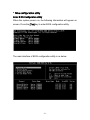
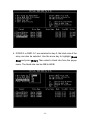
1. Use the arrow keys to navigate the menu. Select [Create Array]
and press [Enter] to call out the list of creation steps.
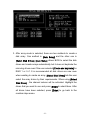
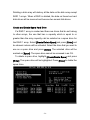
2. Select [Array Mode] and press [Enter]. A list of array modes will
appear. Highlight the target array mode that you want to create,
and press [Enter] to confirm the selection. If RAID 1 or RAID 0/1 is
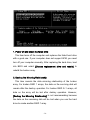
selected, an option list will popup and enable the users to select
Create only or Create and duplicate. Create only will allow BIOS to
only create an array. The data on the mirroring drive may be
different from the source drive. [Create and duplicate] allows BIOS
to copy the data from the source to the mirroring drive.
- 22 -