1
QNVR installation and user manual
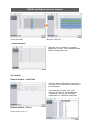
5-3. Beep Out
The buzzer can be set to sound on the following occurrences: Video Loss; Alarm input;
Motion detection; Power Loss; Smart (Hard disk monitoring).
The duration of the beep can be set.
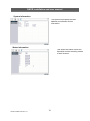
5-4. Alarm Out
The Alarm out relay can be set to activate on the following occurrences: Video Loss; Alarm
input; Motion detection; Power Loss; Smart (Hard disk monitoring).
The duration of the activation can be set.
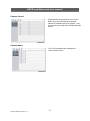
Relay Follower
A relay can be set to close each time a camera is selected.
This relay closure can be used as the Alarm input to a switcher, such as the VS042A. If the
Monitor outputs from several DVRs are taken to the inputs of this switcher, then each time a
camera is selected, the switcher will change it’s output to the relevant DVR monitor picture.
This allows the full screen images of several DVRs to be viewed on a single monitor.
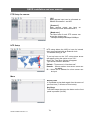
Relay Control
Normal = Relay will close when an alarm activation is received
On = Relay permanently active
Off = Relay not active
51
QNVR Installation Manual V1.2