1
Configuration
Motion Detection
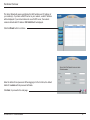
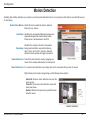
Enabling Video Motion will allow your camera to use the motion detection feature. You may draw a finite motion area that will be used
for monitoring.
Enable Video Motion: Select this box to enable the motion detection
feature of your camera.
Sensitivity: Specifies the measurable difference between two
sequential images that would indicate motion.
Please enter a value between 0 and 100.
Specifies the amount of motion in the window
Percentage: being monitored that is required to initiate an
alert. If this is set to 100%, motion is detected
within the whole window will trigger a snapshot.
Draw Motion Area: Draw the motion detection area by dragging your
mouse in the window (indicated by the red square).
Erase Motion Area: To erase a motion detection area, simply click on the red square that you wish to remove.
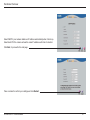
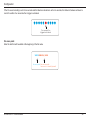
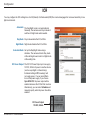
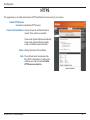
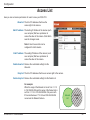
Right clicking on the camera image brings up the following menu options:
Select All: Draws a motion detection area over the
entire screen.
Clear All: Clears any motion detection areas that
have been drawn.
Restore: Restores the previously specified motion
detection areas.
D-Link DCS-3710 User Manual
28