1
Digital out
9
Functions and objects
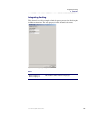
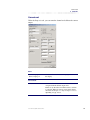
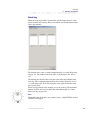
Locking objects
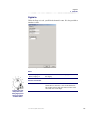
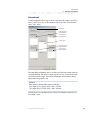
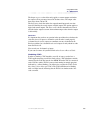
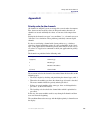
The locking objects are used to lock the digital output’s value.
EXAMPLE
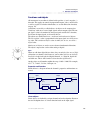
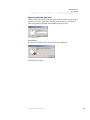
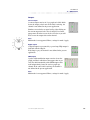
Start and stop function for a digital output, with non locking push buttons.
You have to press the start button to activate the digital output. To avoid
having to keep the button pressed, we need to create a hold function.
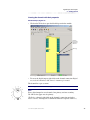
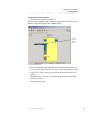
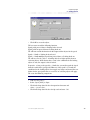
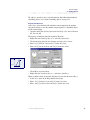
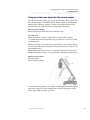
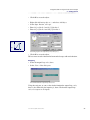
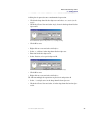
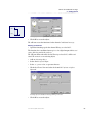
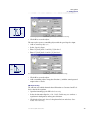
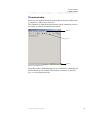
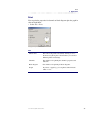
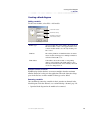
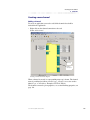
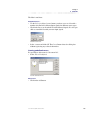
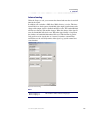
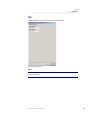
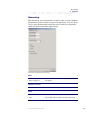
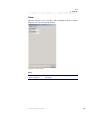
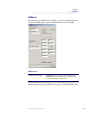
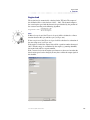
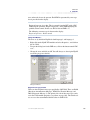
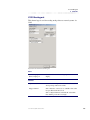
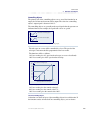
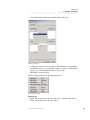
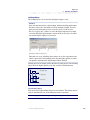
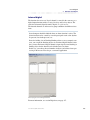
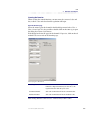
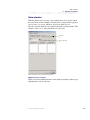
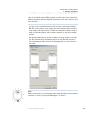
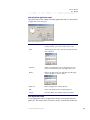
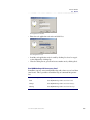
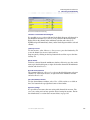
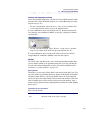
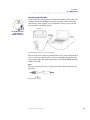
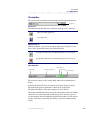
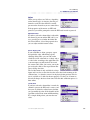
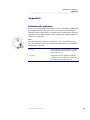
We use a locking object, where we select the digital output itself as input,
see below. When the digital output is activated, the locking object becomes
true and the digital output stays activated.
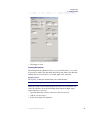
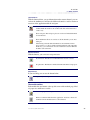
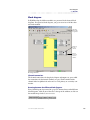
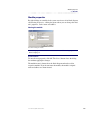
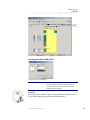
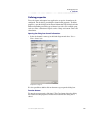
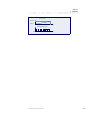
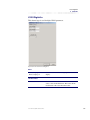
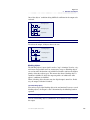
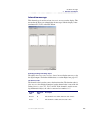
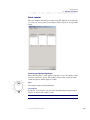
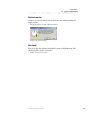
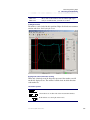
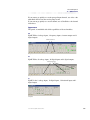
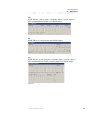
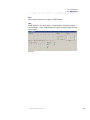
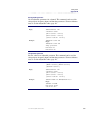
Hold function with a locking object.
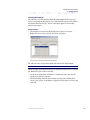
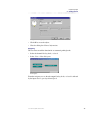
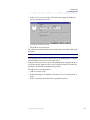
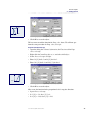
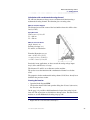
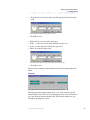
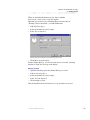
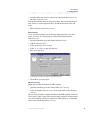
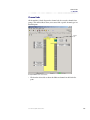
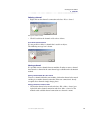
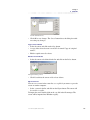
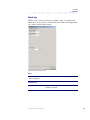
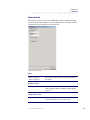
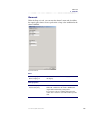
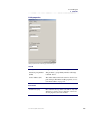
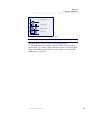
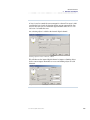
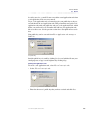
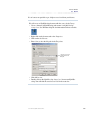
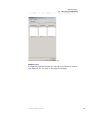
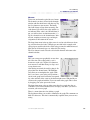
Thereafter we create a blocking object where we use the stop button as the
object´s input value. The blocking object has the highest priority so when
you push the stop button the digital output will be blocked.
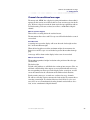
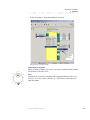
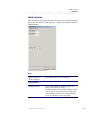
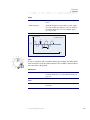
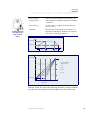
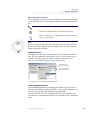
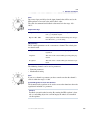
Locking objects have higher priority than the activating objects. The blocking
objects have the highest priority to be able to block a locked function.
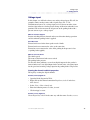
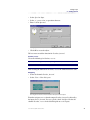
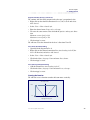
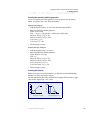
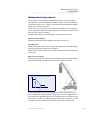
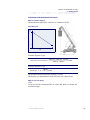
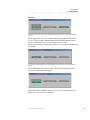
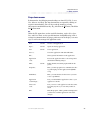
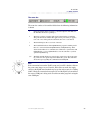
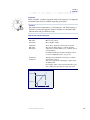
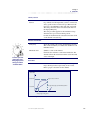
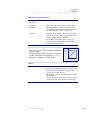
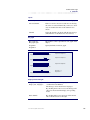
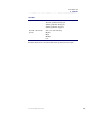
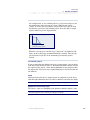
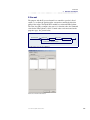
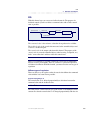
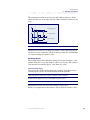
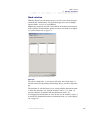
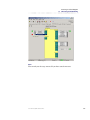
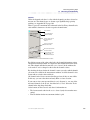
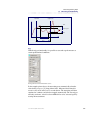
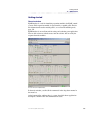
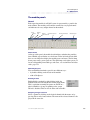
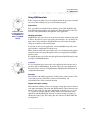
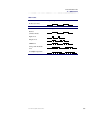
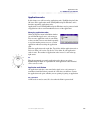
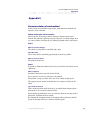
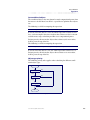
Activating object
t
Locking object
t
Output value
t
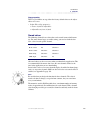
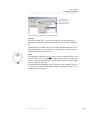
The output's value is locked by a locking object.
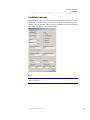
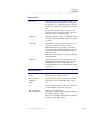
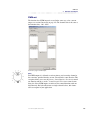
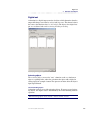
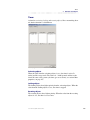
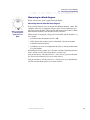
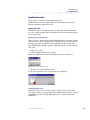
Several locking objects
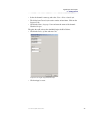
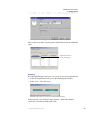
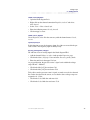
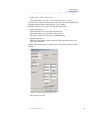
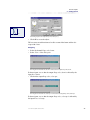
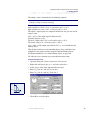
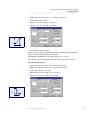
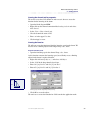
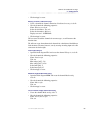
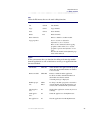
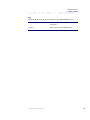
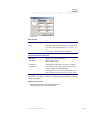
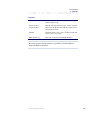
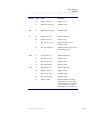
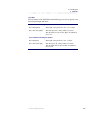
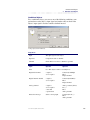
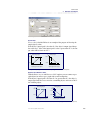
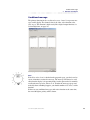
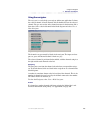
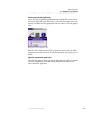
You can use up to eight locking objects for one function. The locking objects’
value is determined by one of the following boolean equations:
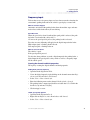
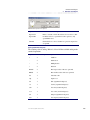
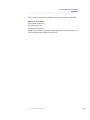
OR: Locking objects´ value = Locking 1+ Locking 2+ Locking 3...Locking 8.
At least one locking object needs to be true to lock the output.
User manual, IQAN Software G32
240