1
Interactive message
9
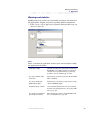
Functions and objects
Interactive message
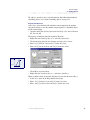
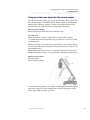
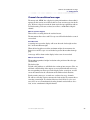
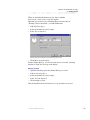
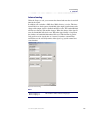
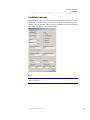
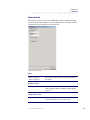
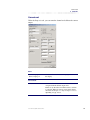
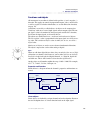
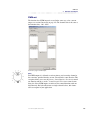
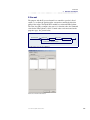
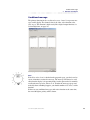
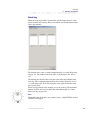
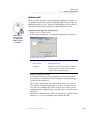
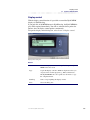
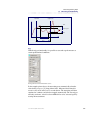
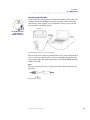
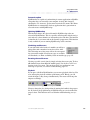
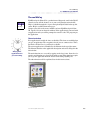
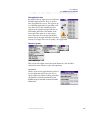
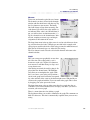
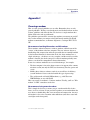
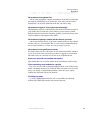
This channel type is used to activate interactive messages on the display. This
means that the driver can acknowledge the messages with the display´s function buttons F1, F2, F3 or the ESC-button.
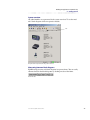
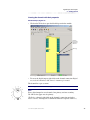
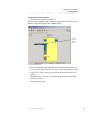
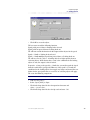
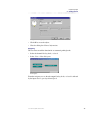
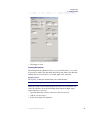
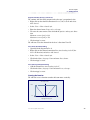
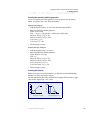
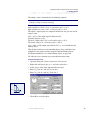
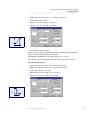
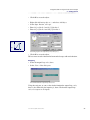
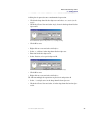
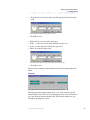
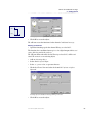
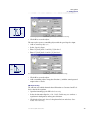
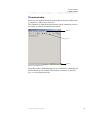
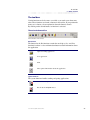
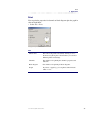
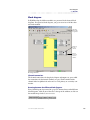
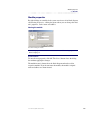
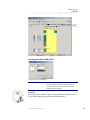
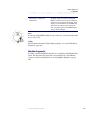
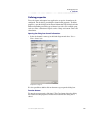
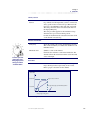
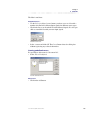
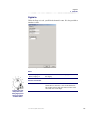
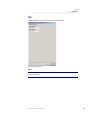
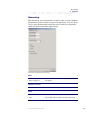
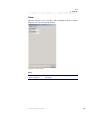
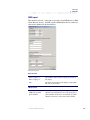
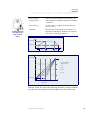
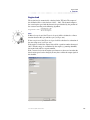
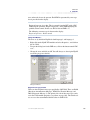
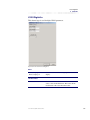
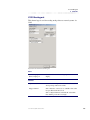
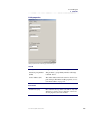
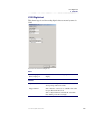
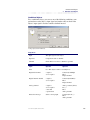
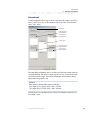
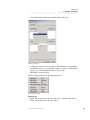
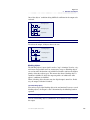
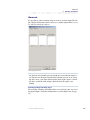
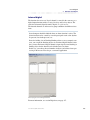
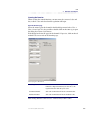
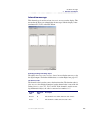
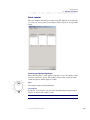
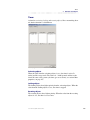
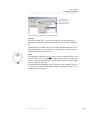
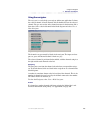
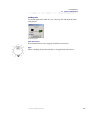
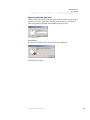
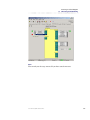
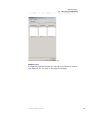
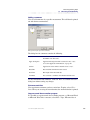
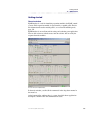
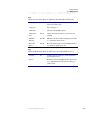
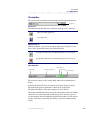
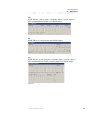
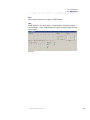
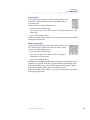
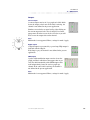
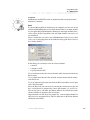
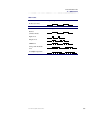
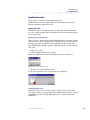
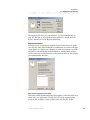
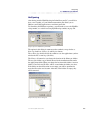
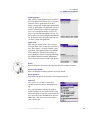
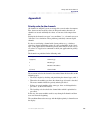
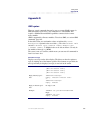
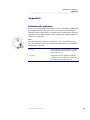
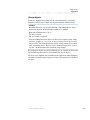
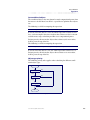
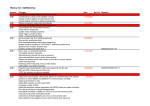
Function page for an interactive message channel.
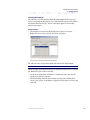
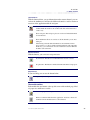
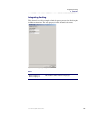
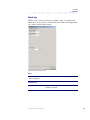
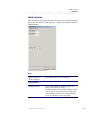
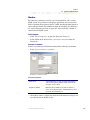
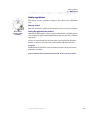
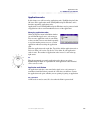
Activating, blocking and locking objects
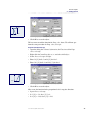
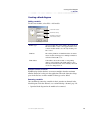
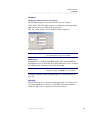
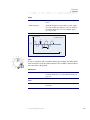
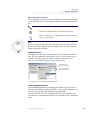
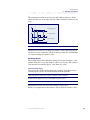
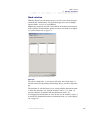
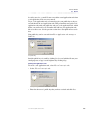
The objects for a interactive message channel are used in the same way as for
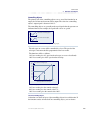
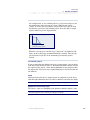
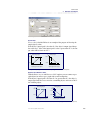
the digital outputs. For further information, see section Digital out, page 237.
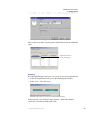
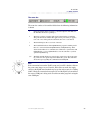
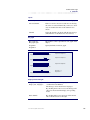
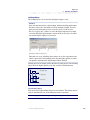
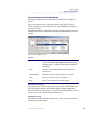
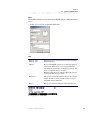
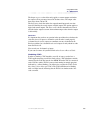
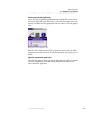
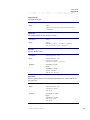
The channel´s value
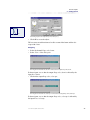
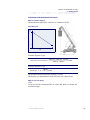
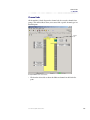
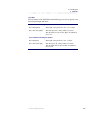
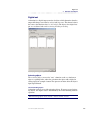
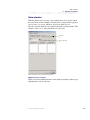
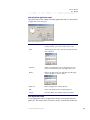
The channel value is not the same as the function value. The function value is
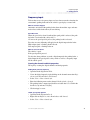
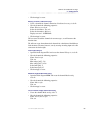
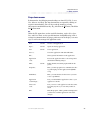
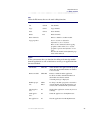
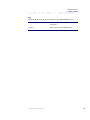
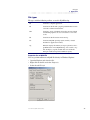
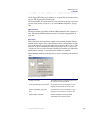
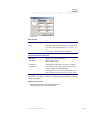
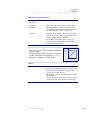
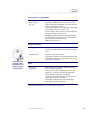
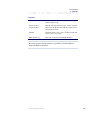
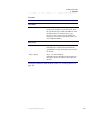
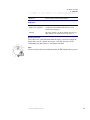
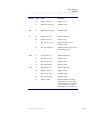
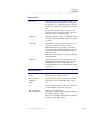
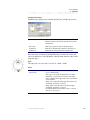
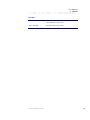
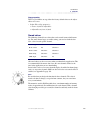
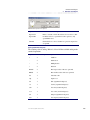
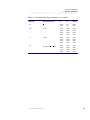
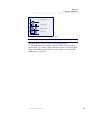
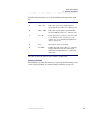
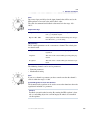
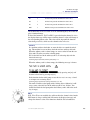
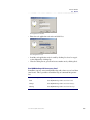
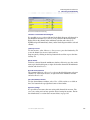
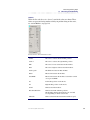
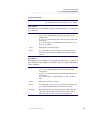
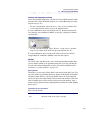
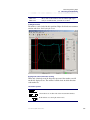
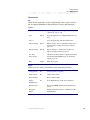
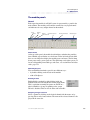
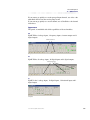
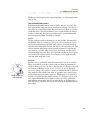
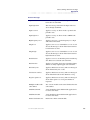
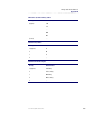
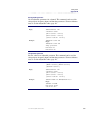
false or true as for all digital functions, but the channel value is one of the following, Inactive, Active, F1, F2, F3 or ESC. If the channel is used in an analog mathematical object, the value is converted to a number, 0 - 5.
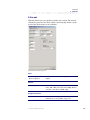
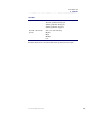
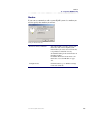
Channel
value
Numerical
value
Description
Inactive
0
The channel is not visible, function value is False
Active
1
The channel is visible, function value is True
User manual, IQAN Software G32
262