1
FBT-6 Assistant Software Installation Instructions
Windows 2000 Driver Installation
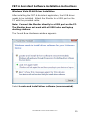
After installing the FBT-6 Assistant application, the USB driver
needs to be installed. Attach the Monitor to a USB port on the
PC with the provided cable.
Note: Connect the Monitor directly to a USB port on the PC.
The Monitor does not work with all USB hubs and laptop
docking stations.
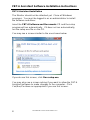
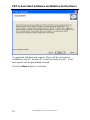
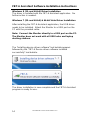
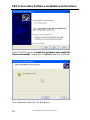
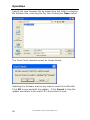
The following dialog box appears:
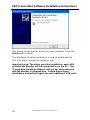
The driver installs automatically after about 30 seconds.
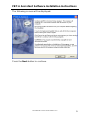
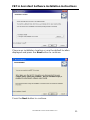
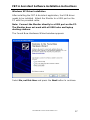
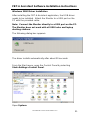
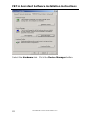
From the Start menu, open the Control Panel by selecting
Start>Settings>Control Panel.
Open System.
501-366 FBT-6-PA User Manual Rev G.0
21