1
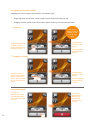
5.2 Connecting your Soundshield 4G to a desk-phone without a Headset Port
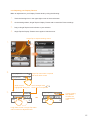
If your desk-phone does not include a dedicated headset port complete the following:
1.
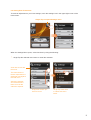
Disconnect the handset cord from your telephone.
2.
Connect the handset cord to the handset port on the Soundshield
with the handset symbol.
Note: Please refer to diagram 4.2 on page 5. The Handset symbol
is port 5.
3.
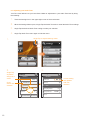
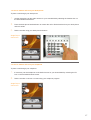
Connect the Soundshield tail cord, to the now available handset
port on your telephone.
Note: The Soundshield tail cord is already connected to the
Soundshield’s telephone port.
4.
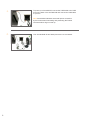
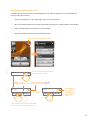
Connect the bottom cord (curly
cord) to the Headset port of the
Soundshield with the headset
symbol.
Note: Please refer to diagram 4.2
on page 5. The Headset symbol
is port 4.
7