1
IP Phone Expansion
1)
Configuration
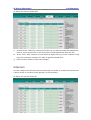
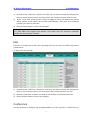
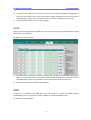
Choose Phone->EXT Key, choose one of the key you want to make the assignment,
there is a pull-down menu in the Type field, choose KeyEvent from the list, then in
the Mode field, open the pull-down menu and choose Call Park from the list.
2)
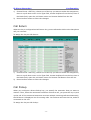
In the "Line" field, select a line for which to apply this key, and enter the extension
3)
Press Confirm button to save the changes.
number you want to park.
Group Listening
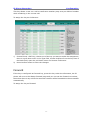
When the key is configured as Group Listening key, you are allowed to enable the
Speakerphone and Handset/Headset mode at the same time. It is suitable for the group
conversation which has more than one person at one side. You are able to speak and
listen using handset/headset; meanwhile the others near by can speak and listen using
speakerphone. You can get back to the previous mode by pressing the key again.
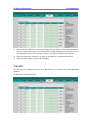
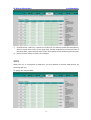
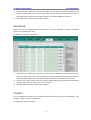
To assign the key as Group Listening:
- 14 -