1
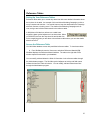
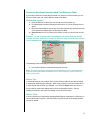
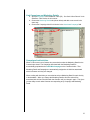
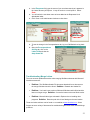
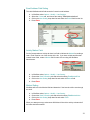
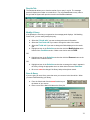
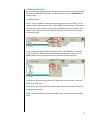
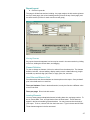
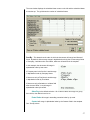
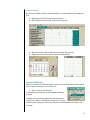
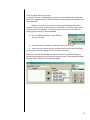
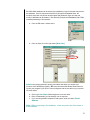
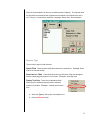
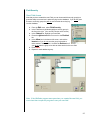
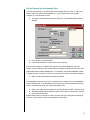
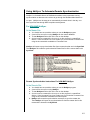
The next window displays the scheduled letter names on the left and the scheduled dates
across the top. The grid shows the number of scheduled letters.
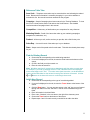
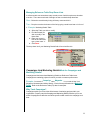
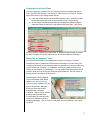
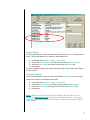
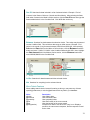
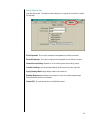
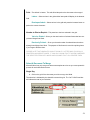
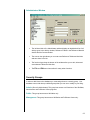
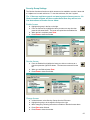
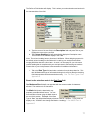
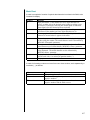
Sort By – This determines the order in which the documents will merge into Microsoft
Word. By default, all documents merge in alphabetical order by the Contact merge fields
of Company, Last Name then First Name, whichever is listed first in the template.
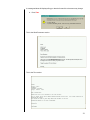
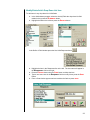
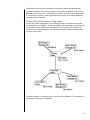
In this example, the document will merge in
alphabetical order by Last name.
If Company was in the first line it would merge
in alphabetical order by Company Name.
If there were only a First Name it would merge
in alphabetical order by First Name
If there were only a Salutation or a Name field
after the word ‘Dear’, it would merge in
alphabetical order by that field.
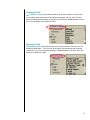
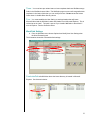
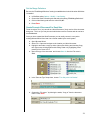
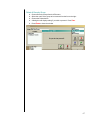
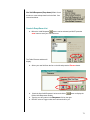
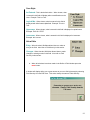
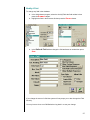
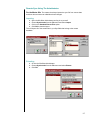
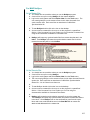
Sales Rep is the default selection. All of Janet’s letters will merge in a group,
then John’s, then Robert’s and so on.
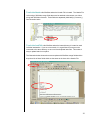
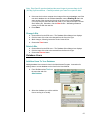
Postal Code will merge in ascending numerical order by zip code.
Contact will merge in alphabetical order by the Contact fields in the template.
See ‘Sort By’ above.
57