1
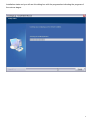
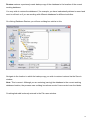
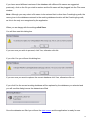
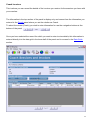
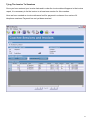
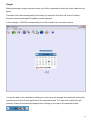
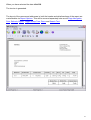
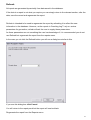
This dialog box shows you the destination folder in which the application will be installed and
allows you to choose another folder if you so wish.
Note: The destination folder displayed initially depends on the configuration of your system and
may be different from the example below.
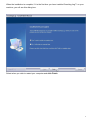
If you are happy with the current destination folder click Next, otherwise click Browse to
select the folder in which you wish to install Coaching Log™.
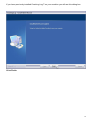
Once you have selected a folder, this will be displayed in the Destination Folder window.
6