1
Invoice No.: Cells
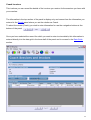
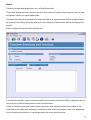
These cells appear in the Coachee Sessions and Invoices and Coach Sessions and Invoices data
grids and operate similarly to the drop down list cells described earlier in as much as you are
required to select the information to be plugged into the cell rather than entering it manually.
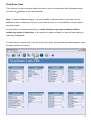
The operation of these cells is treated separately here as the values appearing in the drop down
list are the invoice reference numbers you allocate when entering your invoice data described
below.
Entering Invoice Data
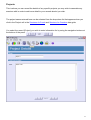
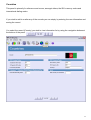
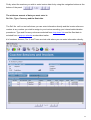
Invoice data is entered via the Coachee Invoices or Coach Invoices data grids according whether it
is an invoice you are raising for sessions you have had with your coachee or an invoice you have
received from your coach for sessions you have had with them. The process is identical except for
the name of the invoice date cell that is called Sent for invoices you raise and Received for those
you receive. The process for raising an invoice for a coachee is described below.
41