1
System / Software Requirements
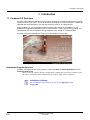
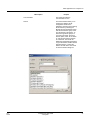
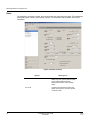
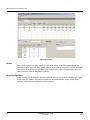
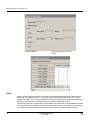
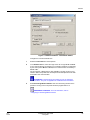
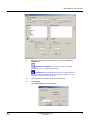
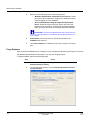
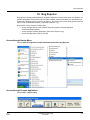
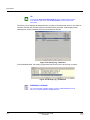
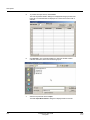
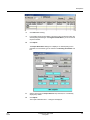
Figure 1-1 Compass 2.0 Shell
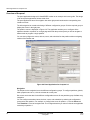
From the Shell, you can access program-wide options, such as Logout and Exit, Station Data, and
Operator Setup. You can also configure Customer Accounts.
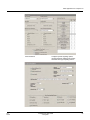
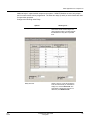
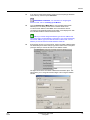
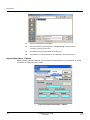
From the Customer Accounts list, you can access the customer account’s Alarm Control Panel
configuration.
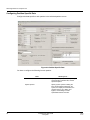
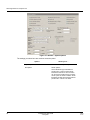
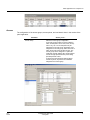
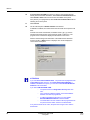
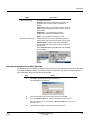
From the Panel Edit screen, you can go to the Communications Program, connect to a customer’s
alarm control panel, and execute commands on-line. You can perform activities such as arming or
disarming the panel; programming the panel configuration (downloading); or uploading configuration
and settings that were programmed to the panel.
1.2 System / Software Requirements
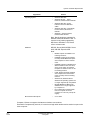
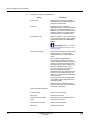
System Attribute
2
Minimum
Recommended
Processor
256 MB RAM
512 MB RAM
Disk Space (Free)
1 GB
>1 GB
Monitor Resolution
800 X 600
1024 X 768
Compass 2.0 User Guide
Honeywell
R2.0
07/10