1
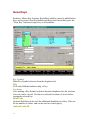
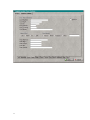
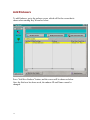
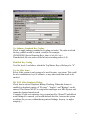
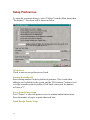
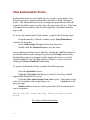
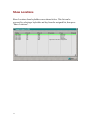
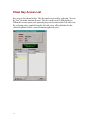
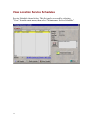
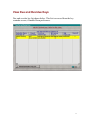
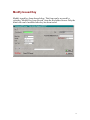
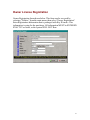
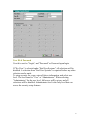
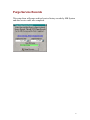
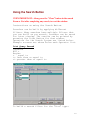
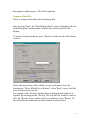
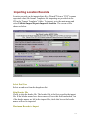
Enter the maximum number of records to import. If this field is left blank,
all records will be imported.
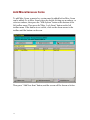
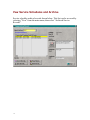
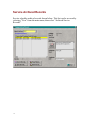
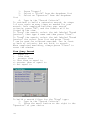
Select File
Press to select the file to import. This could be located on a floppy disk, cd,
or on your hard drive. This file must be in CSV or TXT format(Comma
separated value).
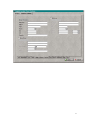
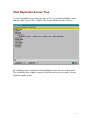
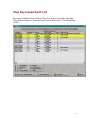
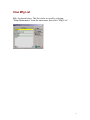
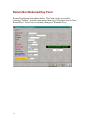
View Selected Import File
After making a file selection, press to view the file.
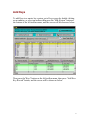
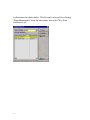
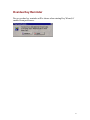
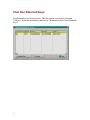
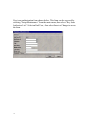
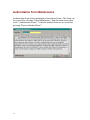
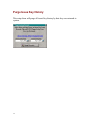
Start Importing Locations
Press to start importing Locations.
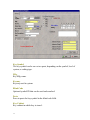
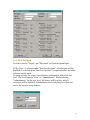
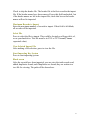
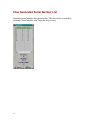
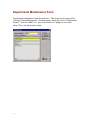
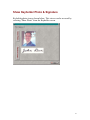
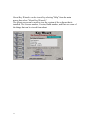
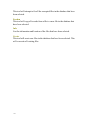
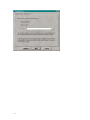
Black screen
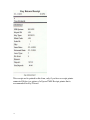
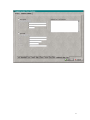
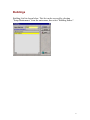
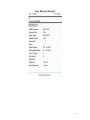
After the records have been imported, you can view
the total records read, added, duplicates found,
and if duplicates are found, they are written to a
text file for viewing. The path will be shown here.
120