1
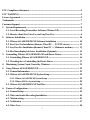
6-6. POS text (Optional)------------------------------------------------------------------------ 51
6-7. Video/Audio Recording Schedule ------------------------------------------------------ 52
6-8. Setting up Emergency Call -------------------------------------------------------------- 54
6-9. Set Up Privileges---------------------------------------------------------------------------- 56
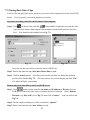
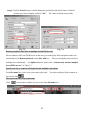
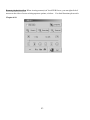
6-10. Playing Back Video Files --------------------------------------------------------------- 58
6-11. Playing back across Local Area Network (LAN) --------------------------------- 62
6-12. Using Dynamic IP Addresses for Internet Access --------------------------------- 64
6-13. How to set notification and trigger devices when alarm------------------------- 67
6-14. Setting Up Notification ------------------------------------------------------------------ 68
6-15. Setting Up a Software Motion Detection Area------------------------------------- 70
6-16. How to Trigger Speed Dome Camera ----------------------------------------------- 71
6-17. Creating an Alarm Wave File---------------------------------------------------------- 72
6-18. Auto-Restart your PC ------------------------------------------------------------------- 73
6-19. Video Matrix (Optional) ---------------------------------------------------------------- 74
6-20. Back up the video clips ------------------------------------------------------------------ 76
6-21. Translate the video clips to VCD format (For CP-400DX Pro only) --------- 78
6-22. Adjust the time clock of DVR automatically--------------------------------------- 79
7. Using FreeView Pro (For TCP/IP viewers) -------------------------------------------------- 80
7-1. General Information ---------------------------------------------------------------------- 80
7-2. The FreeView Pro Tool Menu Bar ----------------------------------------------------- 81
7-3. Connecting to Local DVR Server by FreeView Pro ------------------------------- 83
7-4. Video Window Function Description-------------------------------------------------- 86
7-5. Using the Site Book ------------------------------------------------------------------------ 88
7-6. System Configuration--------------------------------------------------------------------- 89
7-7. Playing Back Video Clips----------------------------------------------------------------- 91
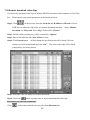
7-8. Remote download video clips------------------------------------------------------------ 94
7-9. Remote control------------------------------------------------------------------------------ 95
8. Connect the Local DVR Server via IE Browser -------------------------------------------- 97
9. Using PDAView Pro (For Pocket PC PDA only)-------------------------------------------- 99
2