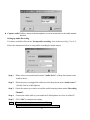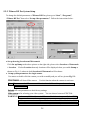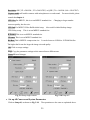
1
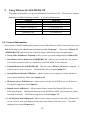
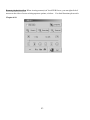
5-3. Witness AS/ASE/HS/DX XP Tool Bar
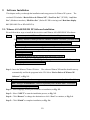
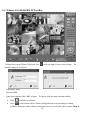
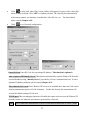
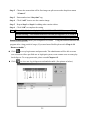
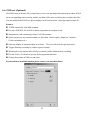
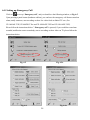
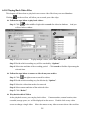
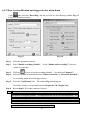
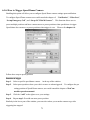
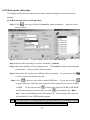
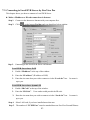
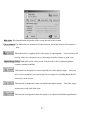
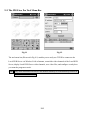
The first time you use Witness XP, please click
in the top right of your screen to login. The
default settings are as follows:
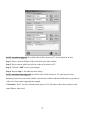
Login name: root
Password: 123
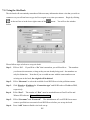
Enter these, and then click “OK” to login. To logout, click the same icon and confirm.
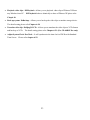
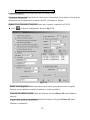
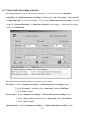
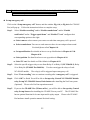
• Click
to modify system time.
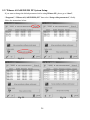
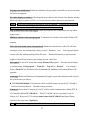
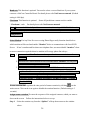
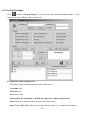
• Click
in the bottom left for Camera Configuration to set up recording, recording
schedule, alarm alert, alarm volume, motion detection, etc. For details, please consult Chap. 6.
30