1
Step 5:
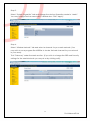
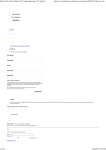
Under the Access Point section configure the EnGenius1 Wireless Network by click
edit. Enter SSID you wish to broadcast to wireless clients and add a security key if
desired.
Click Save, and then Apply Settings.
Step 6:
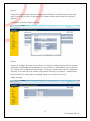
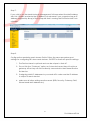
Under “IP Settings” give the Access Point a unique IP Address along with the subnet,
gateway and primary dns addresses of your network or alternatively set the device
to “Obtain an IP Address Automatically”. (Giving your Mesh AP's static IP Addresses
will help to locate them for further configuration should you need to – alternatively
NMS software tool will locate and keep track of your devices for you).
Apply Settings.
4
Go Wireless NZ Ltd