1
10
Advanced Topics
Drag and Drop from an External File Example
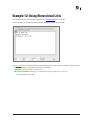
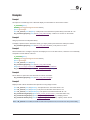
Let’s suppose we want to import some data into a series of arrays by dropping a text file onto an AreaList Pro area.
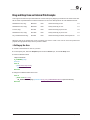
We’ve saved a spreadsheet that contains information on some new Nuts products as a tab-delimited text file:
“Macadamia nuts, 50g”
MAC-001
Nuts
Snack-sized bag of nuts
2.5
“Macadamia nuts, 100g”
MAC-002
Nuts
Family-sized bag of nuts
4.5
“Pecans, 50g”
PEC-001
Nuts
Snack-sized bag of pecan nuts
3.5
“Macadamia nuts, 100g”
PEC-002
Nuts
Family-sized bag of pecan nuts
5.5
“Dry roasted Peanuts 50g”
PEA-001
Nuts
Snack-sized bag of salted, roasted peanuts
2.5
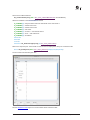
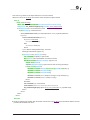
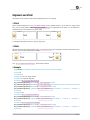
When this text file is dropped onto a list of products, we want to create a new row for each new product and
populate the appropriate arrays with the product’s details.
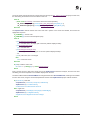
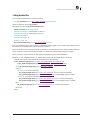
■ Setting up the Area
1. Create a new AreaList Pro area on your form
2. In the Property List, select the Dropable option under the Action topic, and the On Drop event.
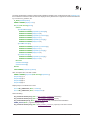
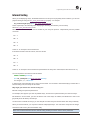
3 Create a callback method:
// AlpEventCallback
C_LONGINT($1;$0)
area:=$1
Case of
: ($2=AL Allow drop event)
$0:=1 // allow
End case
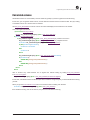
4. Assign that callback method to the area:
Case of
: (Form event=On Load)
AL_SetAreaTextProperty (ProductList;ALP_Area_CallbackMethOnEvent;"AlpEventCallback")
End case
Drag and Drop
144