1
Chapter 17. Networking via Ethernet
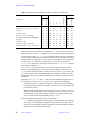
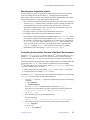
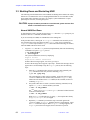
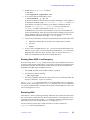
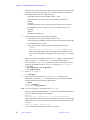
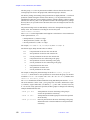
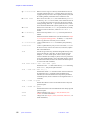
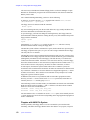
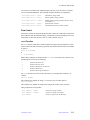
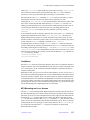
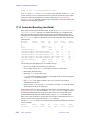
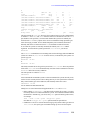
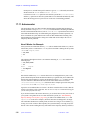
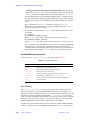
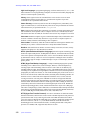
an NFS client machine. Note that NFS mounting only works if a file system is shared by
the server system, see “NFS Mounting Options, Sharing a File System,” page 236.
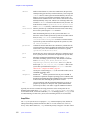
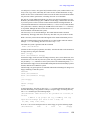
There are certain default values. For remote files, NFS-type mounting is default; thus,
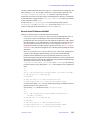
mount unity500:/export/home /home500
mounts the same file with read-write permission (read-write is the default).
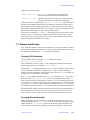
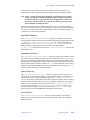
Unmounting a Remote File System
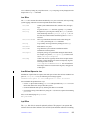
Unmounting works the same way as for ufs-mounted file systems:
umount unity500:/export/home
or simply
umount /home500
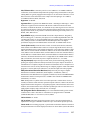
Accessing NFS files is more complex than accessing than local disks because NFS must
provide for facilities that can cope with a broken Ethernet, an inactive file server, or a
temporarily broken or overloaded Ethernet.
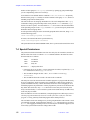
NFS Mounting Options, Sharing a File System
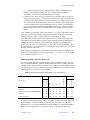
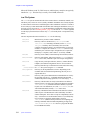
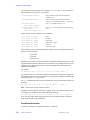
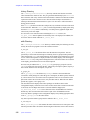
This leads to a number of new options for NFS type of mounting, including:
• Number of mount retries (retry)
• Whether or not to retry in foreground (fg and bg)
• NFS time-out (timeo, in tenths of a second)
• Number of retransmissions
• Whether to return an error if the server does not respond (soft) or to retry until the
server does respond (hard)
• Buffer sizes
The defaults are fg, retry=10000, timeo=7, retrans=3, and hard.
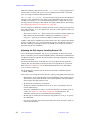
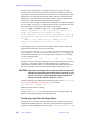
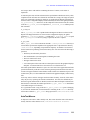
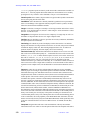
Similar to the commands rlogin, rsh, and rcp, NFS can affect the security of a UNIX
system in a network. Therefore, the operating system has a facility allowing specification
of the file systems on the server that can be mounted by remote clients. This is achieved
with the /etc/dfs/dfstab file. This is a simple text file that lists file systems that are
shared with (and can therefore be mounted by) other systems. /etc/dfs/dfstab
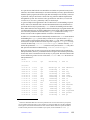
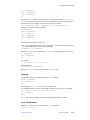
contains one line with a share command per shared file system, e.g.:
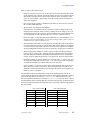
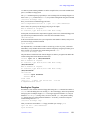
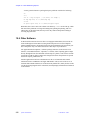
share -F nfs -o ro=unity:mercury /export/home
share -F nfs /data
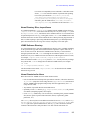
This allows the /export/home and /data file systems to be mounted remotely. By
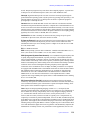
default, file systems (such as /data in the above example) are shared with read-write
permission (but the standard permission mechanism can still be used to secure individual
files and directories). Also, by default, an shared file system can be mounted by every host
on your network, not just in your local subdomain. If you want to share a file system with
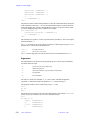
selected hosts only, you must use the following syntax:
share -F nfs -o ro /usr/share
share -F nfs -o ro=mercury /export/home
share -F nfs -o rw=i400:i500:mercury,ro=server /data
236
System Administration
01-999166-00 C0503