1
7 Windows/Dialogs
•
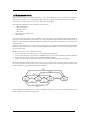
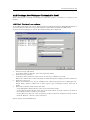
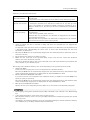
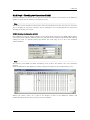
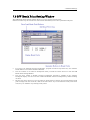
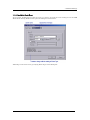
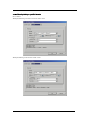
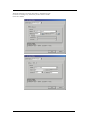
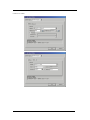
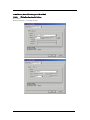
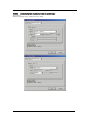
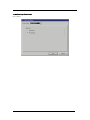
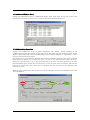
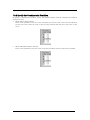
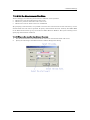
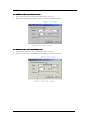
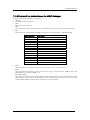
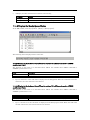
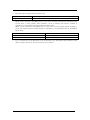
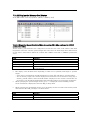
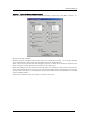
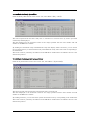
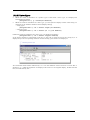
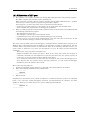
When State Transition is selected
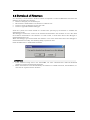
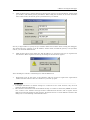
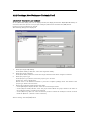
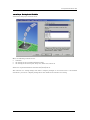
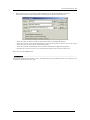
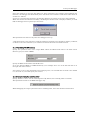
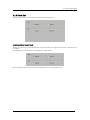
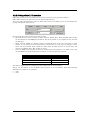
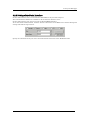
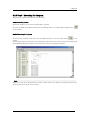
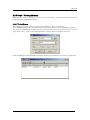
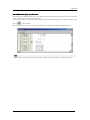
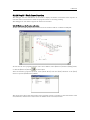
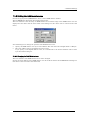
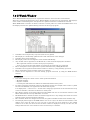
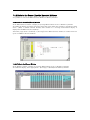
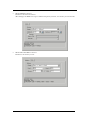
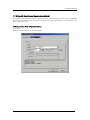
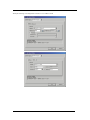
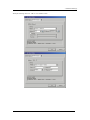
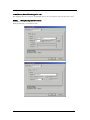
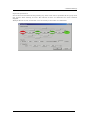
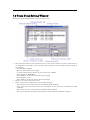
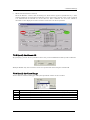
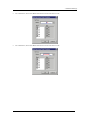
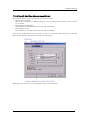
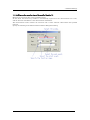
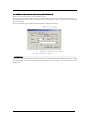
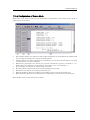
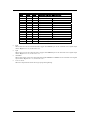
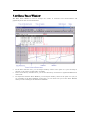
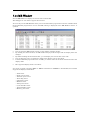
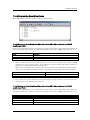
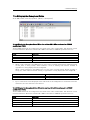
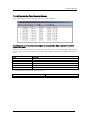
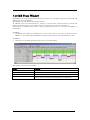
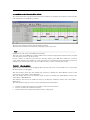
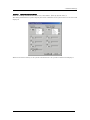
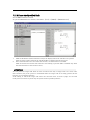
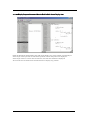
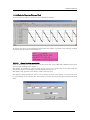
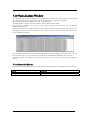
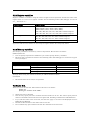
Click the Details... button, and the dialog box shown below appears. Specification by a state
transition diagram or Sequential specification can be used. If the content of any event is altered,
it is marked with an asterisk (*) on the title bar. Once conditions are set in the emulator,
asterisks are not displayed. A time-out time in each state can also be specified.
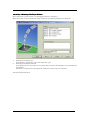
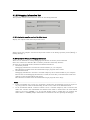
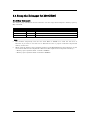
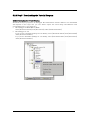
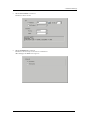
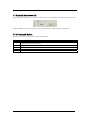
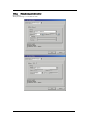
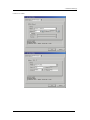
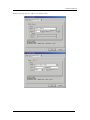
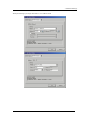
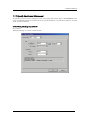
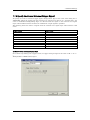
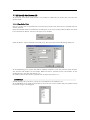
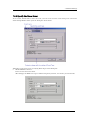
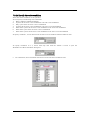
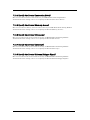
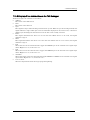
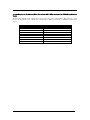
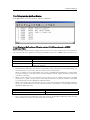
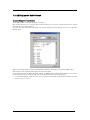
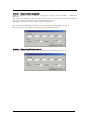
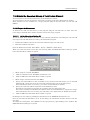
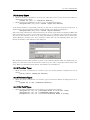
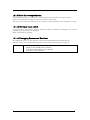
7.9.3 Specify the Process ID
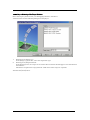
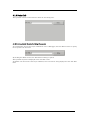
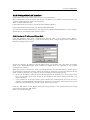
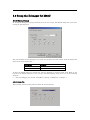
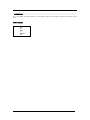
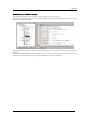
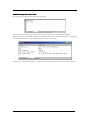
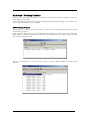
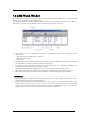
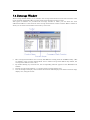
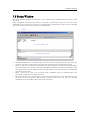
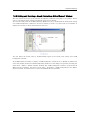
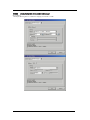
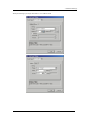
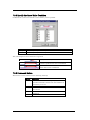
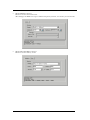
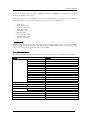
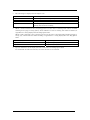
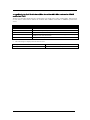
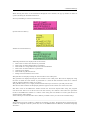
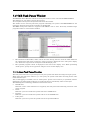
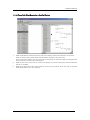
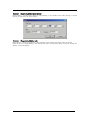
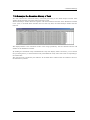
By specifying a process ID, it is possible to detect only event establishment under specific conditions.
Example: Enable only the event that occurs in a specific task when using the realtime OS.
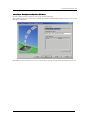
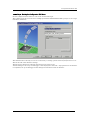
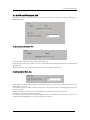
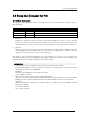
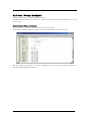
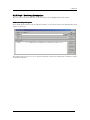
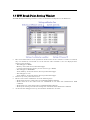
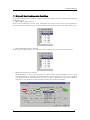
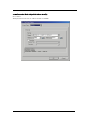
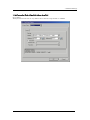
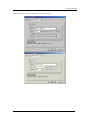
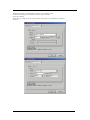
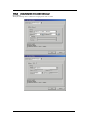
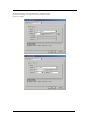
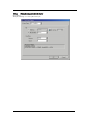
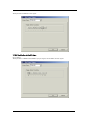
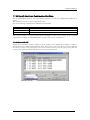
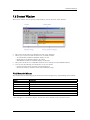
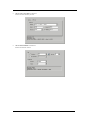
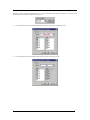
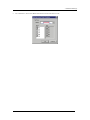
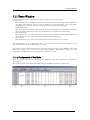
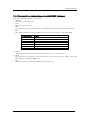
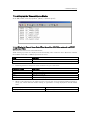
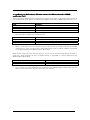
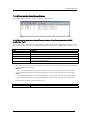
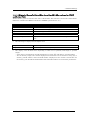
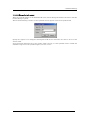
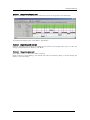
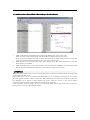
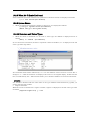
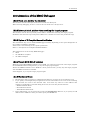
7.9.4 Specify the Trace Range
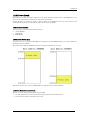
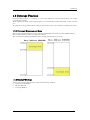
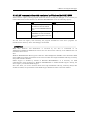
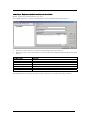
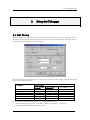
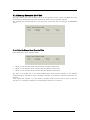
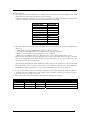
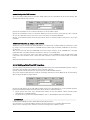
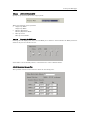
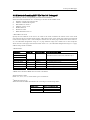
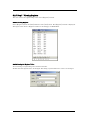
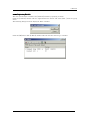
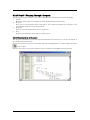
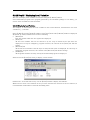
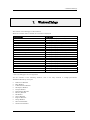
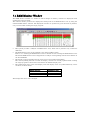
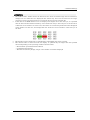
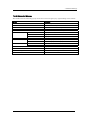
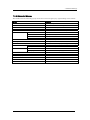
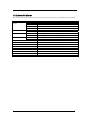
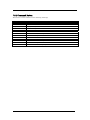
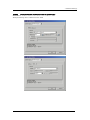
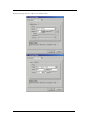
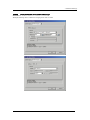
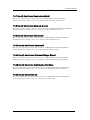
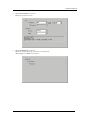
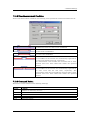
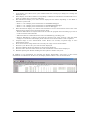
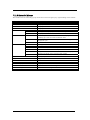
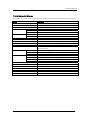
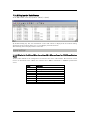
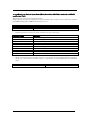
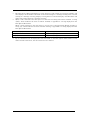
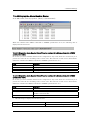
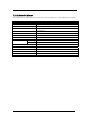
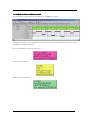
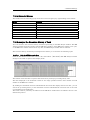
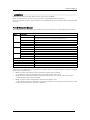
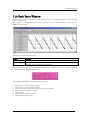
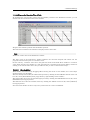
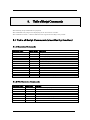
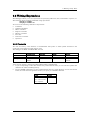
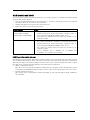
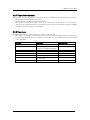
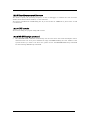
For the PC4701 emulator debugger, 32K cycles equivalent of data can be recorded.
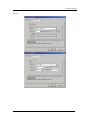
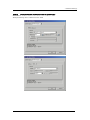
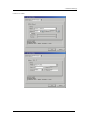
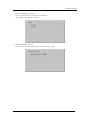
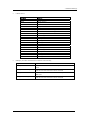
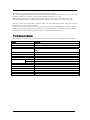
Break
Before
About
After
Full
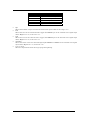
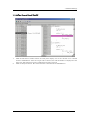
Stores the 32K cycles (-32K to 0 cycles) to the point at which the target program stops.
Stores the 32K cycles (-32K to 1 cycles) to the point at which the trace point is passed.
Stores the 32K cycles (-16K to 16K cycles) either side of the trace point.
Stores the 32K cycles (0 to 32K cycles) of trace data after the trace point.
Stores the 32K cycles (-32K to 0 cycles) of trace data after the trace starts.
149