1
5 Setup the Debugger
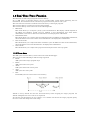
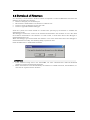
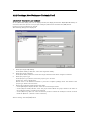
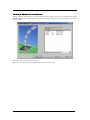
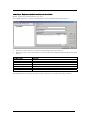
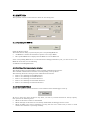
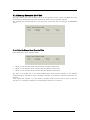
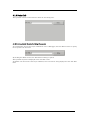
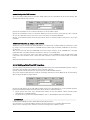
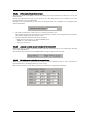
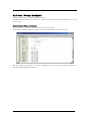
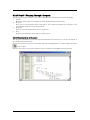
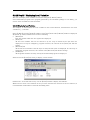
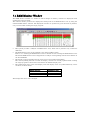
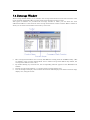
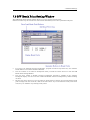
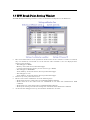
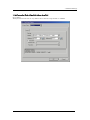
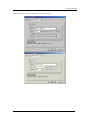
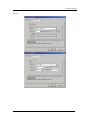
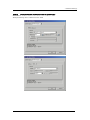
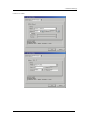
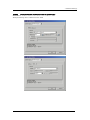
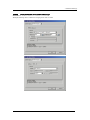
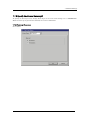
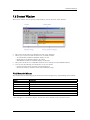
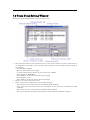
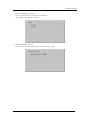
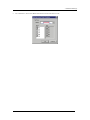
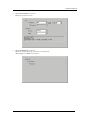
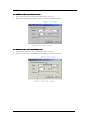
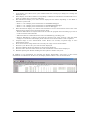
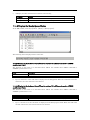
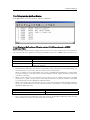
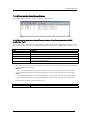
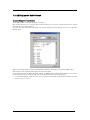
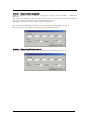
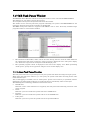
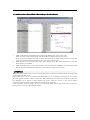
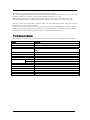
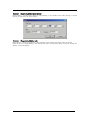
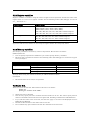
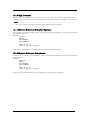
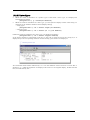
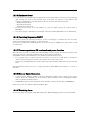
Select the check box to close the Init dialog box. After connecting to the emulator and confirming the
firmware, the debugger will immediately start self-check on the emulator. (Self-check takes about 30
seconds to 1 minute.)
If an error is found in this self-check, the debugger displays the content of the error and is finished.
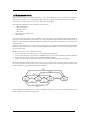
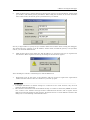
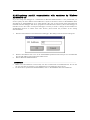
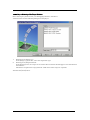
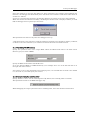
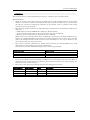
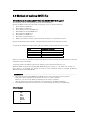
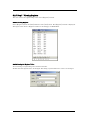
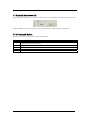
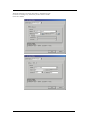
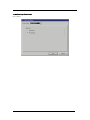
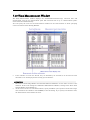
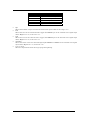
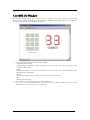
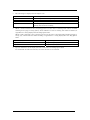
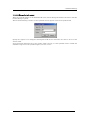
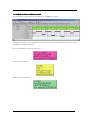
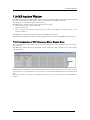
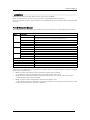
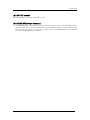
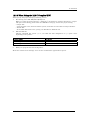
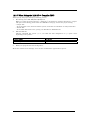
When the self-check terminated normally, the dialog box shown below is displayed. When you click
OK, the debugger starts up directly in that state.
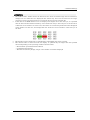
This specification is effective only when the debugger starts up.
* Self-check refers to the function to check the emulator's internal circuit boards for memory condition,
etc. Refer to the user's manual of your emulator for details about the self-check function.
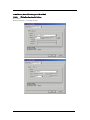
5.1.1.4 Specifying Clock Frequency
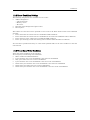
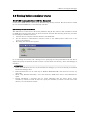
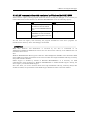
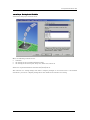
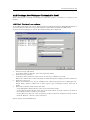
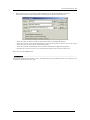
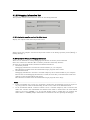
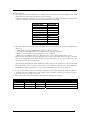
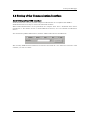
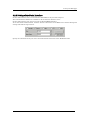
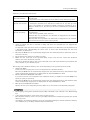
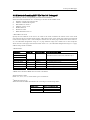
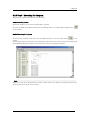
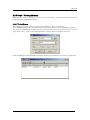
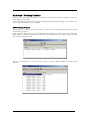
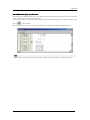
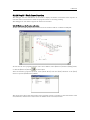
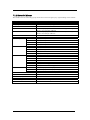
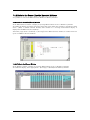
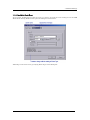
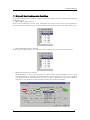
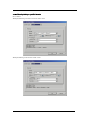
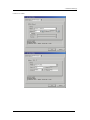
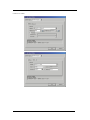
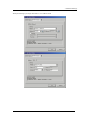
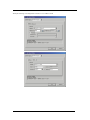
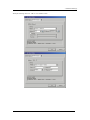
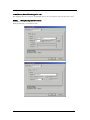
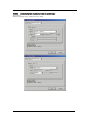
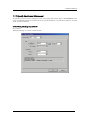
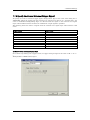
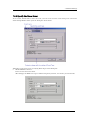
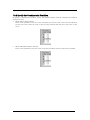
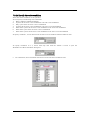
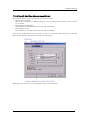
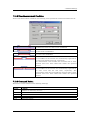
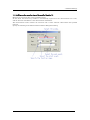
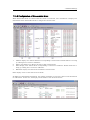
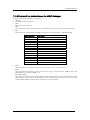
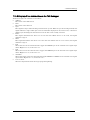
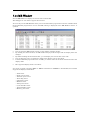
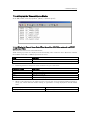
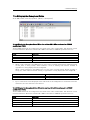
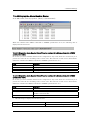
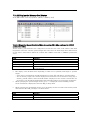
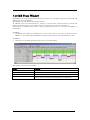
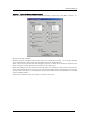
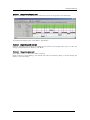
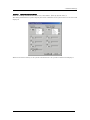
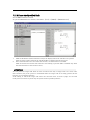
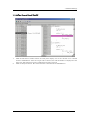
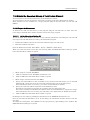
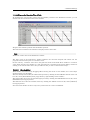
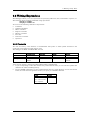
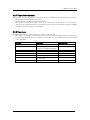
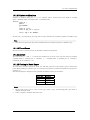
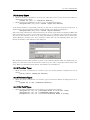
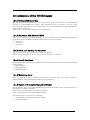
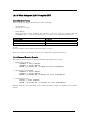
Specify the operation clock of the target MCU within the MCU Clock field in the Time Count
Resource group (in units of MHz).
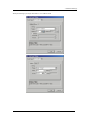
Specify the MCU clock and the clock divide ratio.
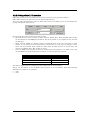
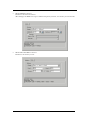
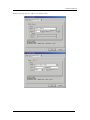
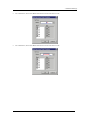
If you are using the MCU at 10 MHz divided by 4, for example, enter "10" on the left side and "4" on
the right side of the text box.
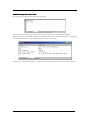
If no values are set in the clock divide ratio specifying area, it is assumed that the clock is not divided
(i.e., the same as you would specify the value 1).
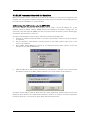
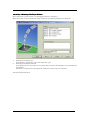
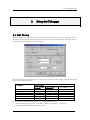
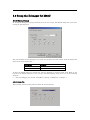
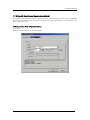
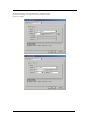
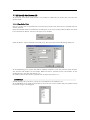
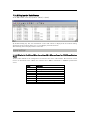
5.1.1.5 Using/unusing the watchdog timer
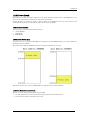
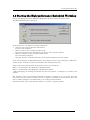
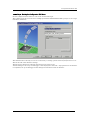
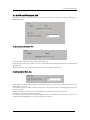
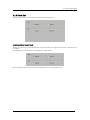
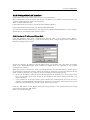
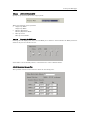
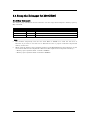
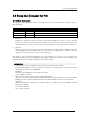
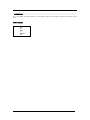
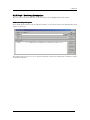
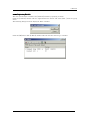
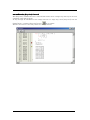
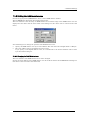
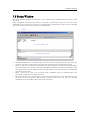
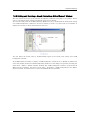
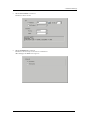
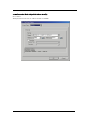
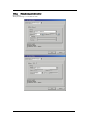
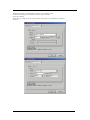
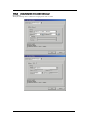
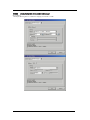
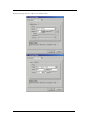
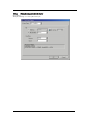
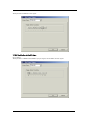
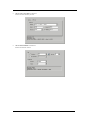
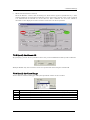
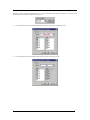
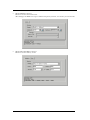
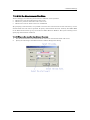
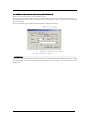
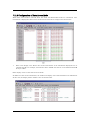
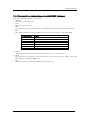
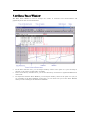
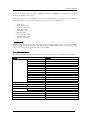
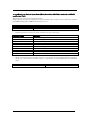
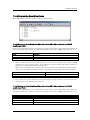
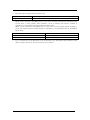
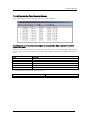
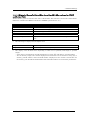
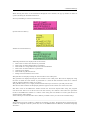
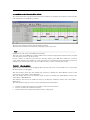
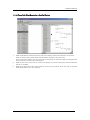
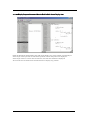
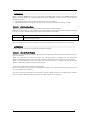
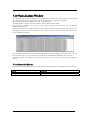
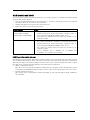
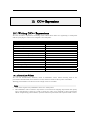
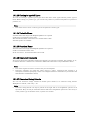
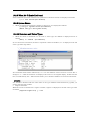
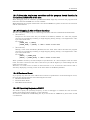
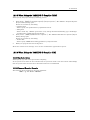
Specify whether or not to use the watchdog timer. (By default, the watchdog timer is unused.)
This specification exist for the M32C debugger only.
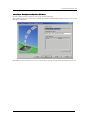
When debugging the target system that uses a watchdog timer, select the check box shown above.
35