1
Chapter-6-Power Export
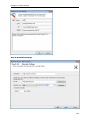
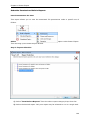
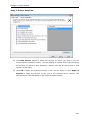
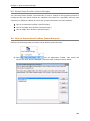
Step 2: Server Selection
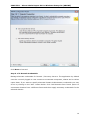
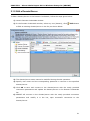
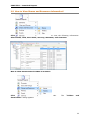
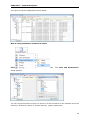
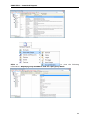
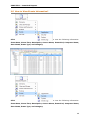
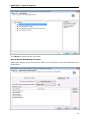
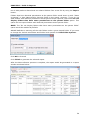
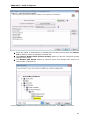
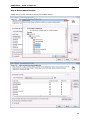
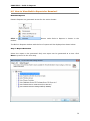
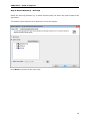
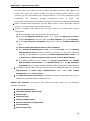
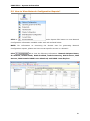
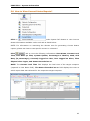
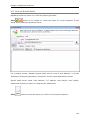
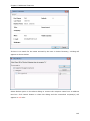
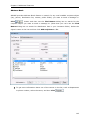
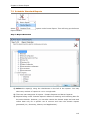
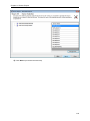
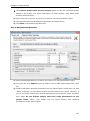
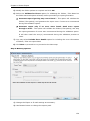
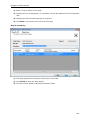
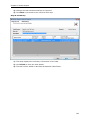
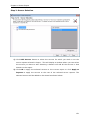
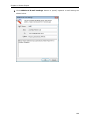
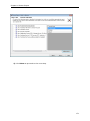
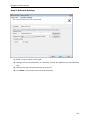
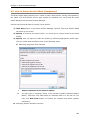
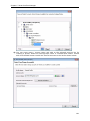
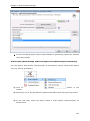
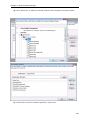
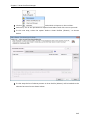
1) Click Add Servers button to select the servers for which you wish to run the
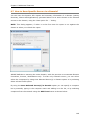
server reports selected in Step 1. This will display a window where you can select
the servers you want to add. Selecting a domain will add all the servers in that
domain to the report.
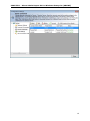
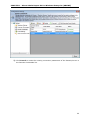
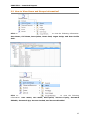
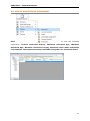
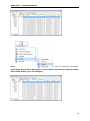
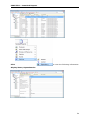
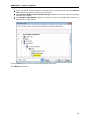
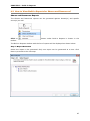
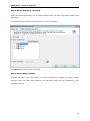
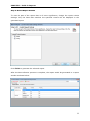
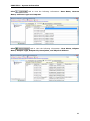
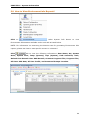
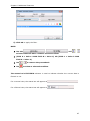
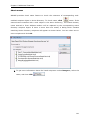
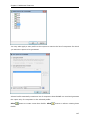
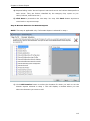
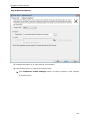
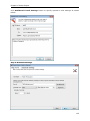
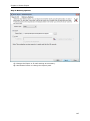
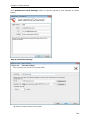
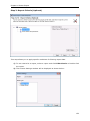
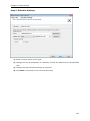
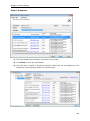
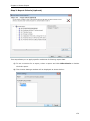
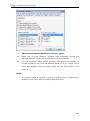
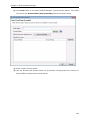
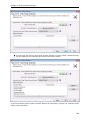
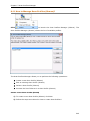
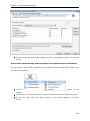
2) Click OK to apply the selected servers to the current report or click Apply to
Reports to apply the servers to the rest of the selected server reports. The
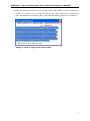
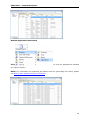
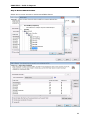
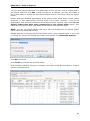
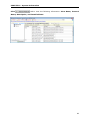
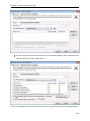
selected servers will be added to the wizard as shown below:
151