1
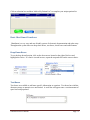
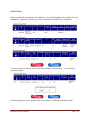
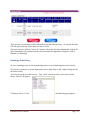
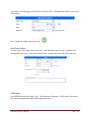
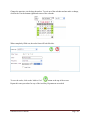
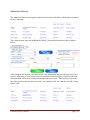
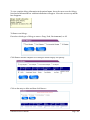
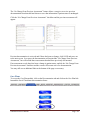
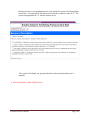
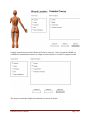
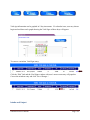
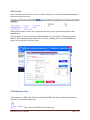
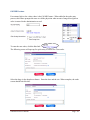
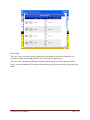
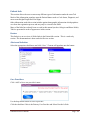
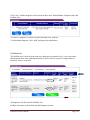
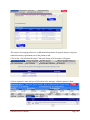
The user will have the ability to upload a picture of the wound, if a picture of the wound has
been saved to the computer.
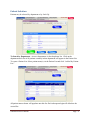
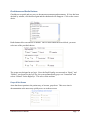
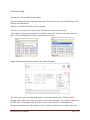
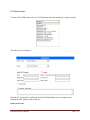
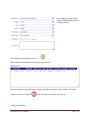
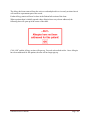
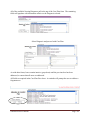
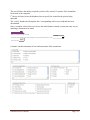
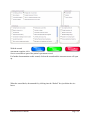
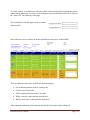
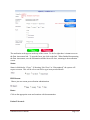
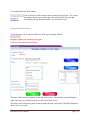
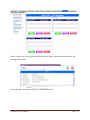
1st the use will need to use the dropdown box to specify the wound for the picture being
uploaded.
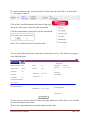
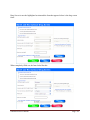
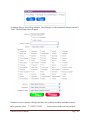
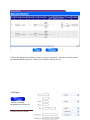
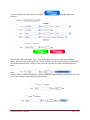
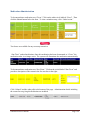
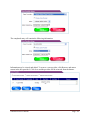
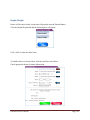
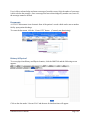
The “select” dropdown will populate the # corresponding with every wound that has been
documented.
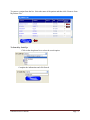
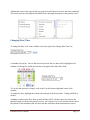
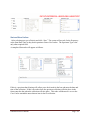
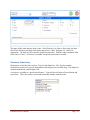
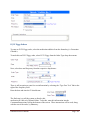
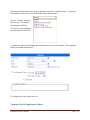
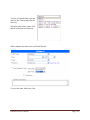
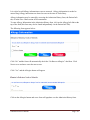
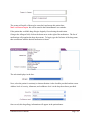
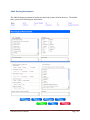
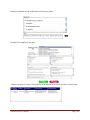
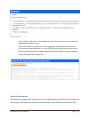
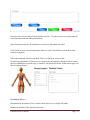
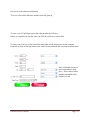
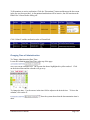
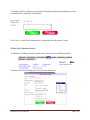
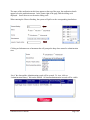
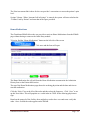
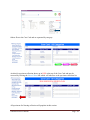
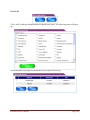
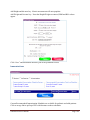
Once a wound is selected, the user can use the attach button to attach a picture the same way as
attaching a document to an email.
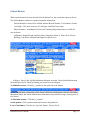
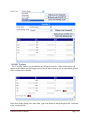
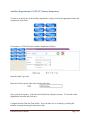
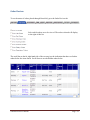
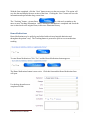
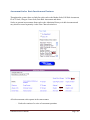
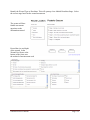
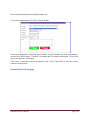
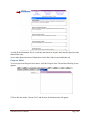
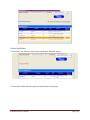
Upload Documents
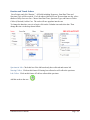
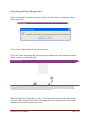
Please click on Browse to attach a document:
--Select-Select from the currently available wounds to attach the image (Only used to associate multiple images to 1 wound):
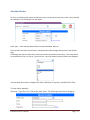
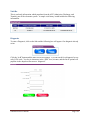
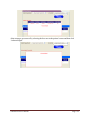
Attach
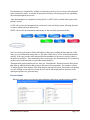
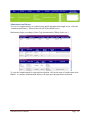
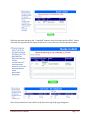
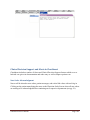
Please click on attach:
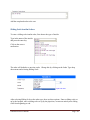
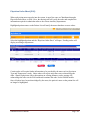
Continue with documentation of care and assessment of the wound area.
ChartSmart User’s Manual
Page - 51 -