1
Logging In
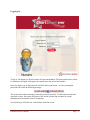
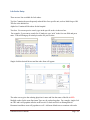
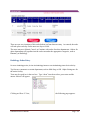
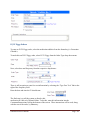
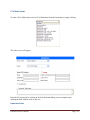
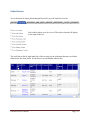
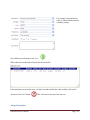
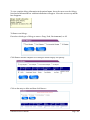
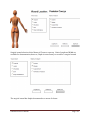
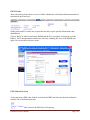
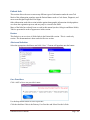
To log in: The Employee ID will consist of letters and numbers. The password must be at least
six characters in length, will require one capital letter and at least one number.
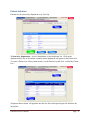
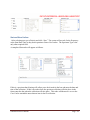
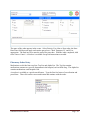
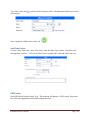
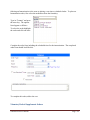
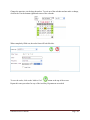
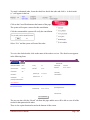
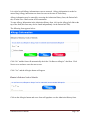
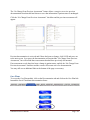
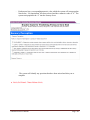
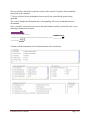
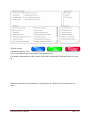
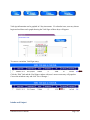
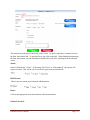
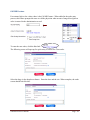
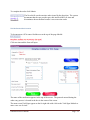
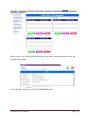
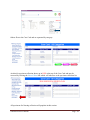
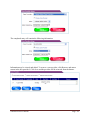
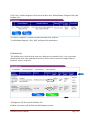
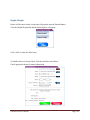
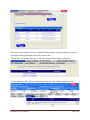
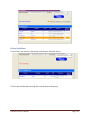
Enter user login, type in the password, and click the Log In button. An error entering the
password will create the following message:
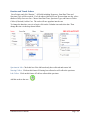
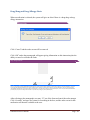
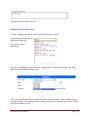
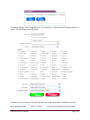
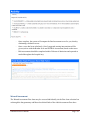
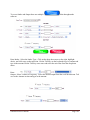
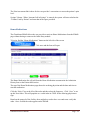
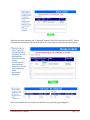
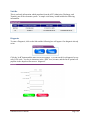
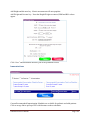
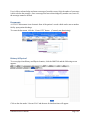
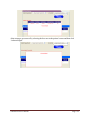
The system allows three attempts to enter the password correctly. If entered incorrectly three
consecutive times, the system will place a lock on the account and a hospital or system
administrator must unlock it before continuing.
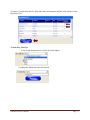
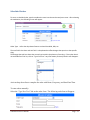
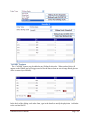
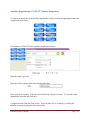
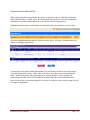
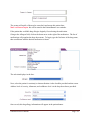
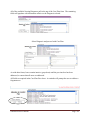
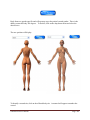
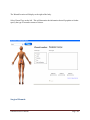
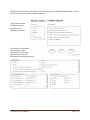
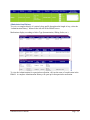
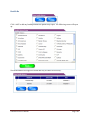
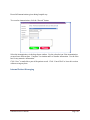
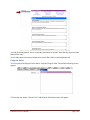
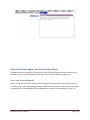
Successful log in will take user to the Patient Selection screen.
ChartSmart User’s Manual
Page - 3 -