1
9
9.8
ASWeb
Configuring Areas for Anti-Passback
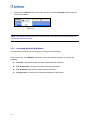
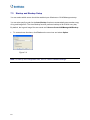
You can remotely define Entry and Exit areas for each door / gate using GV-ASWeb.
1.
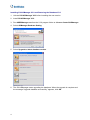
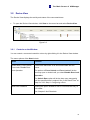
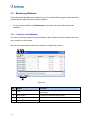
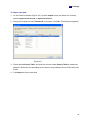
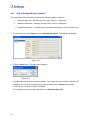
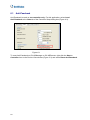
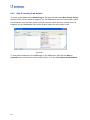
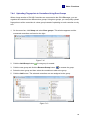
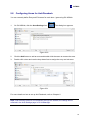
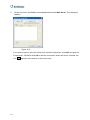
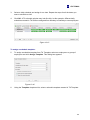
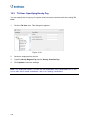
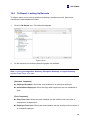
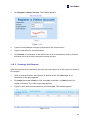
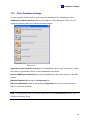
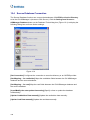
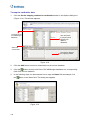
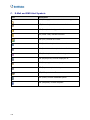
On GV-ASWeb, click the Area Settings icon
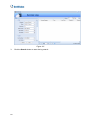
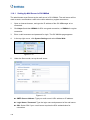
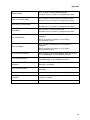
. This dialog box appears.
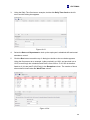
Figure 9-20
2.
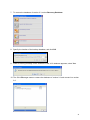
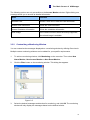
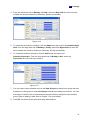
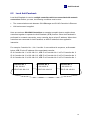
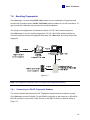
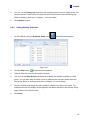
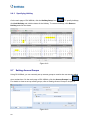
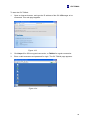
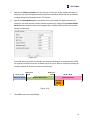
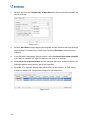
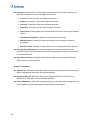
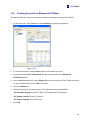
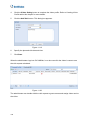
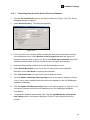
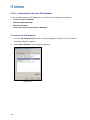
Click the Add button to add an area and double-click the name to rename the area.
3.
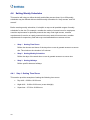
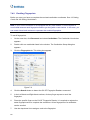
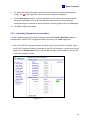
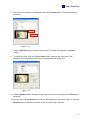
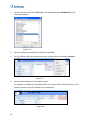
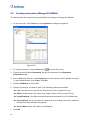
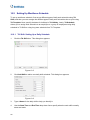
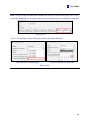
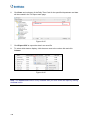
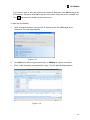
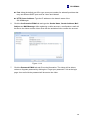
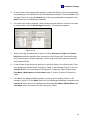
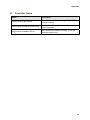
Double-click a door and use the drop-down lists to assign the entry and exit area.
Figure 9-21
For more details on how to set up Anti-Passback, refer to Chapter 6.
Note: After defining areas for Anti-Passback through GV-ASWeb, the change will be
reflected in the Area Settings page in GV-ASManager.
91