1
11 GV-VMWeb
11.5
Searching GV-VMWeb Database
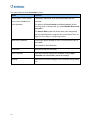
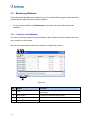
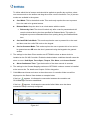
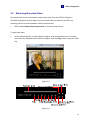
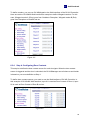
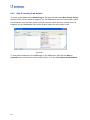
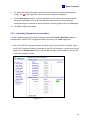
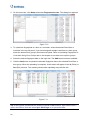
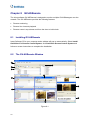
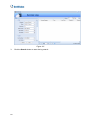
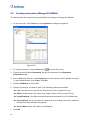
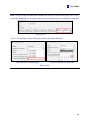
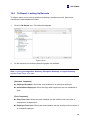
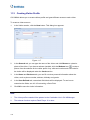
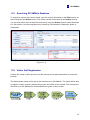
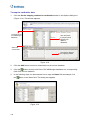
To search for visitors with certain criteria, type the visitor’s information in the Filter section on
the left and click the Search button. The search results will be listed in the Visitors section.
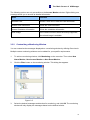
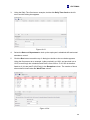
You can also search visit records from the past by using the Search function under Demands
For Visit section. Use the drop-down list to search by Card Number, Destination, Notes or
Cardholder.
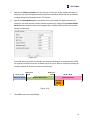
Figure 11-11
11.6
Visitor Self Registration
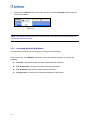
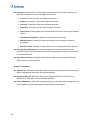
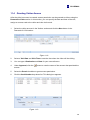
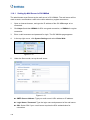
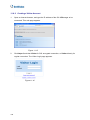
Visitors can create a visitor account over the Internet and request permission to access the
premise.
The administrator needs to first set up the mail server on GV-VMWeb. The visitor will be able
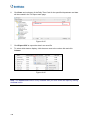
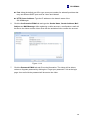
to register a visitor account, activate the account and create a visit request. The visit request
will show up in GV-VMWeb for the administrator to grant or deny access.
117