1
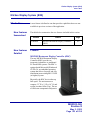
Kitchen Display System (KDS)
What’s New
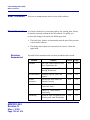
Launch Dashboard
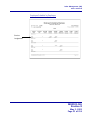
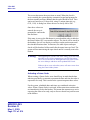
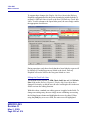
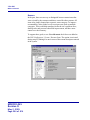
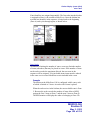
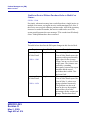
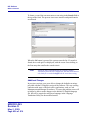
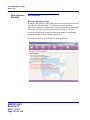
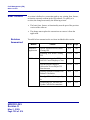
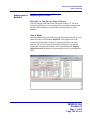
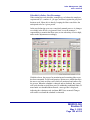
The new RES 3000 Dashboard gives restaurant operators an up-to-theminute view of vital operational statistics, displayed on the screen and
updated every 60 seconds. A comprehensive discussion of this feature is
included in the 3700 POS section, beginning on page 144.
As part of this release, users can access the Dashboard on any properly
configured PC- or WS4-based KDS client.
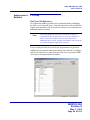
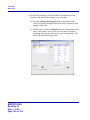
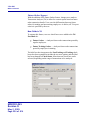
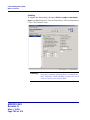
To support this, a new Launch Dashboard function key has been added
in POS Configurator. Users will need to modify the device’s toolbar or
bump bar configuration (Devices | KDS Toolbars or KDS Bump Bars) by
adding the button to the selected KDS layout.
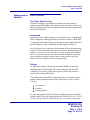
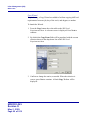
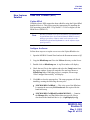
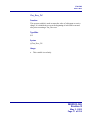
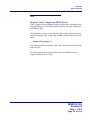
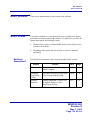
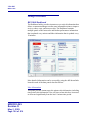
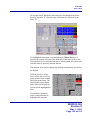
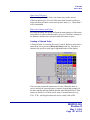
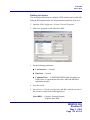
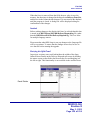
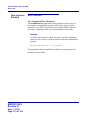
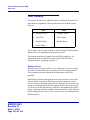
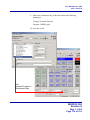
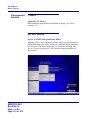
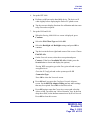
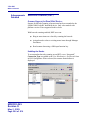
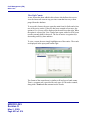
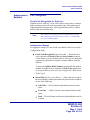
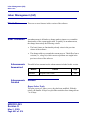
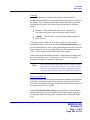
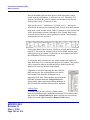
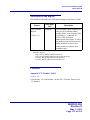
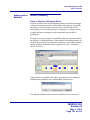
During operations, the toolbar button is distinguished by the following
icon:
Launch Dashboard
Using the Feature
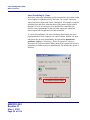
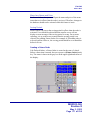
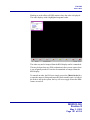
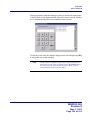
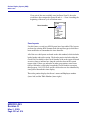
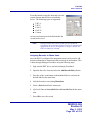
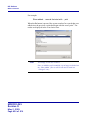
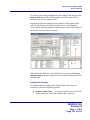
When the [Launch Dashboard] button is pressed, a security log-in
screen is displayed. Once the password is entered, the Dashboard will
open.
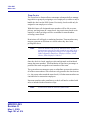
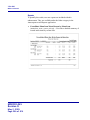
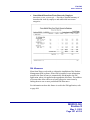
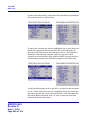
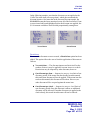
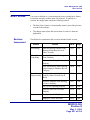
Employees must be privileged to view the Dashboard. Privileges are
assigned by employee class, which controls not only who may view the
restaurant data, but which panels of the Dashboard (e.g., Kitchen, Sales,
Labor, etc.) will be included in the display.
MD0003-065
Revision D
May 2, 2005
Page 318 of 814