1
I/O Panel
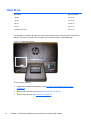
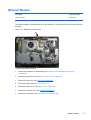
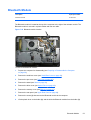
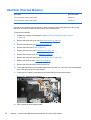
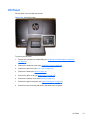
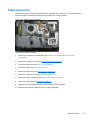
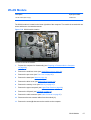
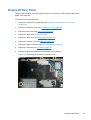
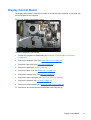
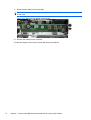
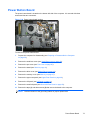
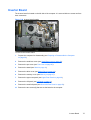
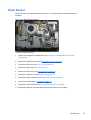
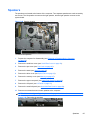
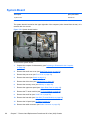
The I/O panel is secured with two screws.
Figure 7-24 I/O panel location
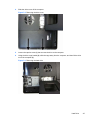
To remove the I/O panel:
1.
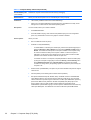
Prepare the computer for disassembly (see Preparing to Disassemble the Computer
on page 38).
2.
Remove the small rear cover (see Small Rear Cover on page 39).
3.
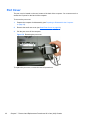
Remove the port cover (see Port Cover on page 40).
4.
Remove the stand (see Stand on page 41).
5.
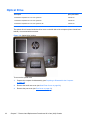
Remove the drive cover (see Optical Drive on page 42).
6.
Remove the memory cover (see Memory on page 47).
7.
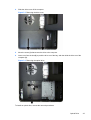
Remove the upper rear panel (see Upper Rear Panel on page 49).
8.
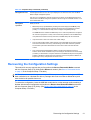
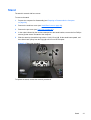
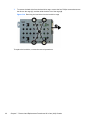
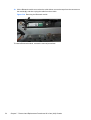
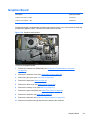
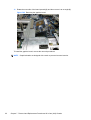
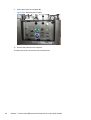
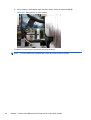
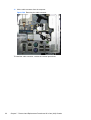
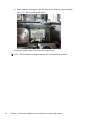
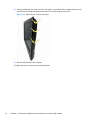
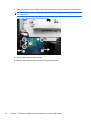
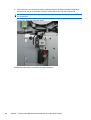
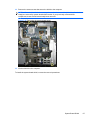
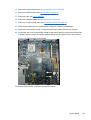
Remove the two screws (1) that secure the panel to the computer.
I/O Panel
61