1
1
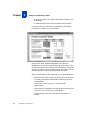
7. Click on OK.
The Constraints window appears next.
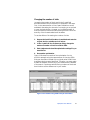
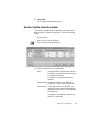
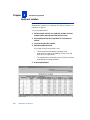
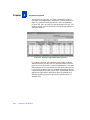
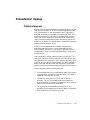
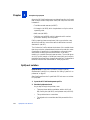
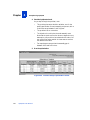
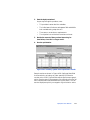
Decision Variable Selection window
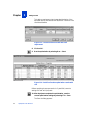
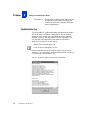
The Decision Variable Selection window lets you select which
defined decision variables to optimize. To access this window,
either:
• Run the wizard.
• Select Tools > Decision Variables.
• Click on the Decision Variables icon.
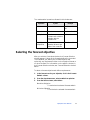
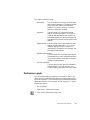
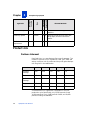
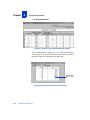
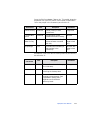
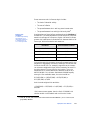
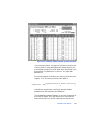
The columns and buttons in this window are:
Select
Indicates whether OptQuest will optimize
the variable. A check indicates the decision
to optimize the variable.
The default is to optimize all decision
variables.
Variable Name Displays the variable name defined in
Crystal Ball. This field is for display only.
Lower Bound
Is the lower limit for the variable. If you
change this field, OptQuest automatically
updates the lower limit in Crystal Ball with
the new value.
The default is the variable’s lower bound
defined in Crystal Ball.
OptQuest User Manual
69