1
Allotment Module User Manual
Creating, changing or displaying an allotment request
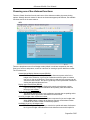
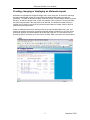
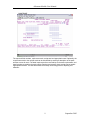
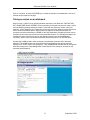
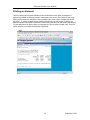
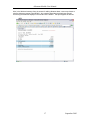
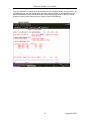
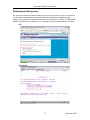
Allotments are requested for a specific budget code, month, and year, for which the web page
and the text-based IMS screen have input fields (the default budget code is the last one
accessed). To create an allotment request, select the function "Create/change allotment request
(BD 601)" as well as a budget code, a year, and a quarter. This is function 4 on the mainframe
and the first action listed in the drop-down list on the web. The allotment number field is not
needed, and if nothing is entered in the year and quarter fields, the default values of the first
quarter and current year result.
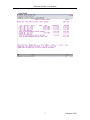
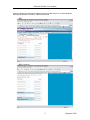
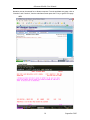
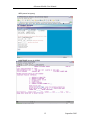
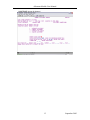
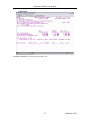
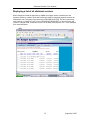
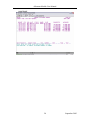
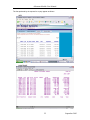
Unless no allotments have been entered previously for the selected budget code, year, and
quarter, the module returns a list of allotment requests already recorded. One of these can be
selected by typing a non-blank character at the left side of the line, or a new request can be
created by typing a character on the line next to the word “NEW” (see last row in each quarter).
WEB
6
September 2003